The short answer
Quick picks
| # | Product | Best for | Score | Price |
|---|
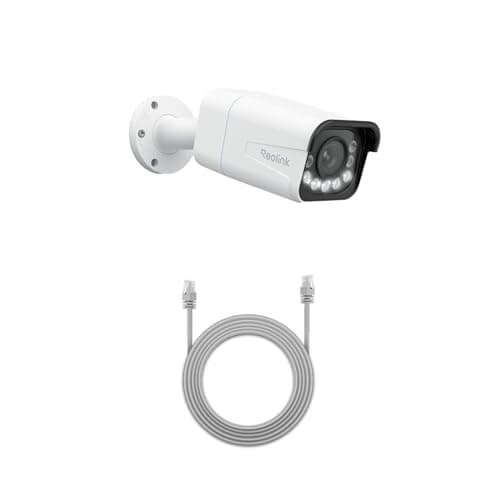
| 01 | Reolink RLC-811A (4K PoE, 5x zoom)One cable for power and data, 4K with a real 5x optical zoom, and continuous recording to a card or an NVR. This is the camera for someone who wants a serious install rather than a convenient one. | Best wired camera | | $136.83·Amazon |
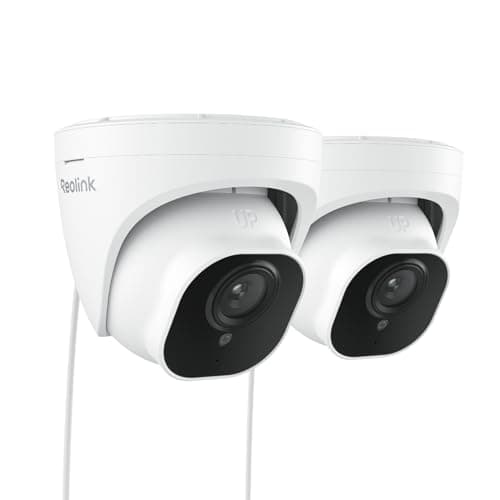
| 02 | Reolink RLC-520A PoE Dome (2-pack)The sensible way to buy your second and third camera. A pair of wired PoE domes with the same RTSP and ONVIF support as the flagship, at roughly the per-camera cost of one consumer battery cam. | Best multi-camera value | | $134.99·Amazon |
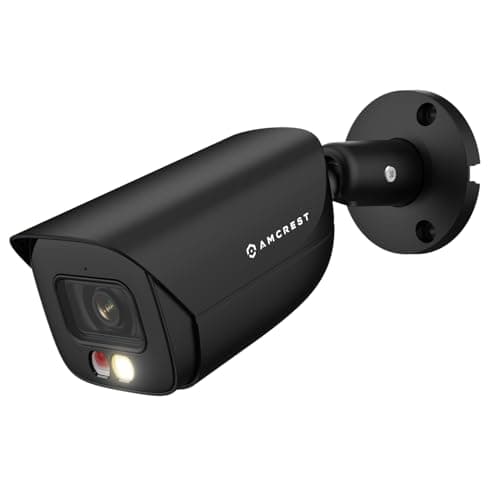
| 03 | Amcrest 5MP PoE AI Bullet Camera (IP5M-B1276EB-AI)The cheapest way into a properly open camera. Amcrest publishes its RTSP URL format and ONVIF conformance openly, which is the entire reason this camera exists in a Home Assistant build rather than a nicer-looking one. | Best budget ONVIF camera | | $65.99·Amazon |
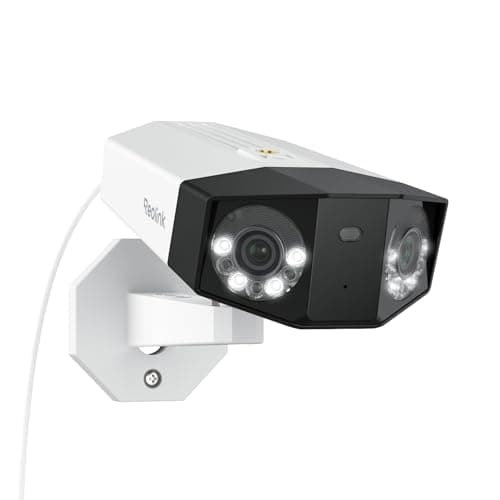
| 04 | Reolink Duo 3 PoE (dual-lens, 180°)The highest-resolution panoramic option here, over one cable, with Reolink's usual open interfaces. If you want a single camera to own an entire elevation of the house in real detail, this is it. | Best panoramic detail | | $229.99·Amazon |
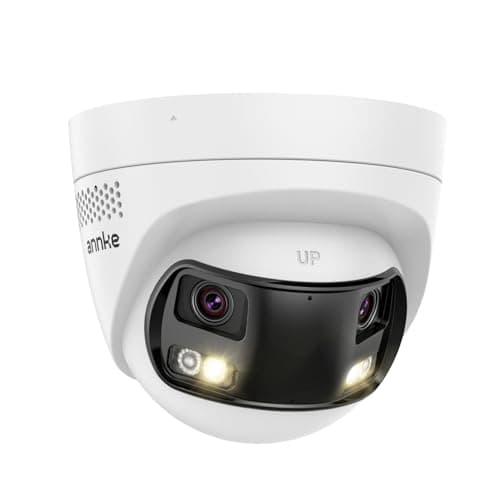
| 05 | ANNKE FCD800 PoE Dual-Lens (180°)Two lenses stitched into one 180-degree view, over PoE, with a card slot. One camera covers a corner of the house that would otherwise take two, and it still speaks ONVIF. | Best wide coverage | | $109.99·Amazon |
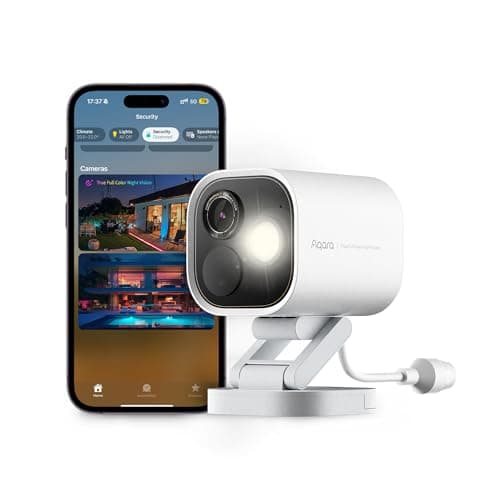
| 06 | Aqara Camera Hub G5 Pro (PoE)A camera that is also a Thread border router and a Zigbee hub. If you are building a sensor estate anyway, this collapses three boxes into one and supports HomeKit Secure Video. | Best camera-plus-hub | | $199.99·Amazon |
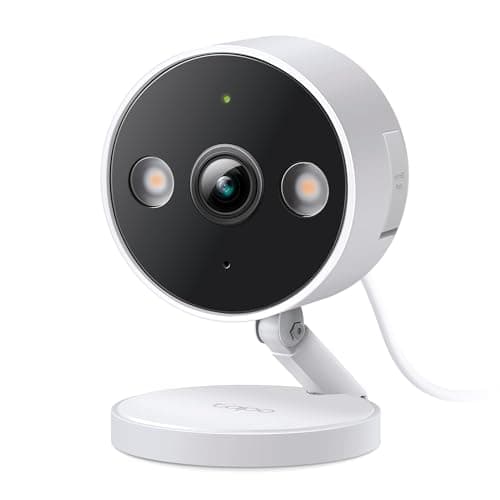
| 07 | | Best budget wired camera | | $35.99·Amazon |
#ad · Prices pulled live from the Amazon Product API, last checked October 18, 2026. Where we have no verified live price we show none — we would rather leave a gap than print a number that has gone stale. Scores are our own, compiled from published specs; they are not test results.
The best security camera for Home Assistant is the Reolink RLC-811A. Reolink publishes an RTSP stream URL and ONVIF support across much of its range, so the camera appears in Home Assistant as an ordinary entity instead of a project, and the 5x optical zoom means the footage is still worth something when you get there. Everything below is ranked on that one criterion first.
This page exists because the rest of the category will not write it. Across the competitor pages we read while researching this site, not one roundup title mentioned Home Assistant, and most never named it in the body either — while Home Assistant and SmartThings forum threads sit on page one for commercial camera queries, because that is where the answers actually are. If you run a local smart home, the mainstream buying guide is not merely unhelpful to you; it is optimized for the exact thing you are trying to avoid.
The only criterion that matters first
A camera earns a place on this page if the manufacturer publishes two things: an RTSP stream URL and an ONVIF profile. Those are the open interfaces that let software you control pull video off a device you own.
- RTSPis the stream itself. Given the URL, Home Assistant's generic camera integration, Frigate, Blue Iris, Scrypted and every NVR on the market can display and record it.
- ONVIFis the control layer on top: discovery, pan and tilt, and the motion events the camera raises. Home Assistant's ONVIF integration turns those events into binary sensors you can automate against, which is the difference between a camera you can watch and a camera your house can react to.
Image quality, night performance and app polish all matter — but they matter second. A 4K camera with no RTSP is worth less inside Home Assistant than a 5MP camera with a documented one, because the second camera is in your dashboard and the first is stranded in a vendor app. That inversion is why this ranking looks different from our general camera roundup, where the organizing question is where the footage is stored rather than who is allowed to fetch it.
Verify support for your exact model before you order. RTSP and ONVIF support varies withina brand, not just between brands — a manufacturer can document it thoroughly for its PoE line and omit it entirely on a battery model in the same catalog. Every recommendation here is made at the brand-and-line level from the manufacturer's own published documentation; the model page for the specific variant you are buying is the thing that settles it. Where we could not confirm support for a specific model, this page says so rather than guessing.
Best security cameras for Home Assistant, compared
Compiled from manufacturer specifications and support documentation, July 2026. “Published” means the manufacturer documents the interface itself, not that a forum thread reports it working. Confirm on the model page before ordering.| Model | RTSP published | ONVIF | Power | Onboard storage | Cloud account needed to view? |
|---|
| Reolink RLC-811A | Yes | Yes | PoE | microSD | No |
|---|
| Reolink RLC-520A | Yes | Yes | PoE | microSD | No |
|---|
| Amcrest IP5M bullet | Yes | Yes | PoE | microSD | No |
|---|
| Reolink Duo 3 PoE | Yes | Yes | PoE | microSD | No |
|---|
| ANNKE FCD800 | Yes | Yes | PoE | SD slot | No |
|---|
| Aqara Camera Hub G5 Pro | Yes | Yes | PoE or mains | microSD | No, for local viewing |
|---|
| TP-Link Tapo (wired line) | Varies by model | Varies by model | Mains | microSD | Account needed for setup |
|---|
What will not work, and why it is worth knowing before you buy
The most useful thing this page can tell you is which cameras to stop considering. The following are all competent products — several are ranked highly on our other pages — and all of them are the wrong purchase if a local dashboard is the point:
- Ring and Blink. No published RTSP or ONVIF interface. Integrations that exist are unofficial, depend on the cloud API, and break when Amazon changes it. Ring is genuinely excellent inside Ring — see our Ring versus eufy comparison — and it is a dead end here.
- Arlo. Same position: a closed, cloud-first platform whose useful features sit behind a plan.
- eufy. More nuanced. eufy exposes an RTSP stream on some models through the HomeBase, but it is model-dependent and not a documented guarantee across the range, so it is not something to assume from the brand name. Check the specific model and firmware before you count on it.
- Wyze. RTSP has historically required special firmware rather than being a supported shipping feature. Treat any RTSP capability as a community project, not a product guarantee.
None of that makes these bad cameras. It makes them appliances rather than components, which is a legitimate thing to want — our local-storage roundup is the better starting point if you want footage you own without running a server to hold it.
In detail
The picks, in full
Best wired camera
Reolink RLC-811A (4K PoE, 5x zoom)
4K PoE5x optical zoom24/7 recordingRTSP / ONVIF
Continuous recordingEthernet cable run required
One cable for power and data, 4K with a real 5x optical zoom, and continuous recording to a card or an NVR. This is the camera for someone who wants a serious install rather than a convenient one.
- Storage
- 10
- No-sub value
- 9.5
- Image
- 9.5
- Power
- 7
- Ecosystem
- 9.5
What it gets right
- +Optical zoom, not digital — a license plate at the end of a drive stays readable
- +PoE means one cable does power and data and the camera never needs charging
- +RTSP and ONVIF make it a first-class citizen in Home Assistant, Frigate or Blue Iris
What it doesn't
- −You have to run Ethernet to it, which for most houses is the whole project
- −Needs a PoE switch or injector, which is another purchase
What it costs to run
PoE, a few watts. No subscription; recording is to your own card or NVR.
Skip this if…
…you are not prepared to run a cable. This is a wired camera and there is no battery option — if drilling through an exterior wall and pulling Cat6 into a loft is not happening, buy the solar Argus instead.
$136.83·on Amazon$159.9814% off
Price last checked October 18, 2026. Prices move constantly — Amazon's at checkout is the one that counts.
#ad · we may earn a commission from this link to Reolink RLC-811A (4K PoE, 5x zoom)
Best multi-camera value
Reolink RLC-520A PoE Dome (2-pack)
5MPPoERTSP + ONVIF2-packPerson/vehicle detection
Documented RTSPEthernet run required
The sensible way to buy your second and third camera. A pair of wired PoE domes with the same RTSP and ONVIF support as the flagship, at roughly the per-camera cost of one consumer battery cam.
- Integration
- 9.5
- Storage
- 9
- Image
- 7.5
- Power
- 7
- Value
- 9.5
What it gets right
- +Per-camera cost is where a multi-camera install stops being a budget decision
- +Same open RTSP and ONVIF support as the more expensive Reolink models, so it drops into an existing setup unchanged
- +Dome housing is discreet and hard to knock out of alignment
What it doesn't
- −5MP and a fixed lens — no optical zoom, so distant detail is limited
- −A dome under an eave collects spider webs directly in front of the IR, which is a real maintenance nuisance
What it costs to run
PoE, a few watts each. No subscription at any tier.
Skip this if…
…you need to read a plate or a face at distance. This is a coverage camera, not a detail camera — for that you want the optical zoom on the RLC-811A.
$134.99·on AmazonPrice last checked October 18, 2026. Prices move constantly — Amazon's at checkout is the one that counts.
#ad · we may earn a commission from this link to Reolink RLC-520A PoE Dome (2-pack)
Best budget ONVIF camera
Amcrest 5MP PoE AI Bullet Camera (IP5M-B1276EB-AI)
5MP at 20fpsPoERTSP + ONVIFmicroSD up to 256GB129° FOV
Documented RTSPEthernet run required
The cheapest way into a properly open camera. Amcrest publishes its RTSP URL format and ONVIF conformance openly, which is the entire reason this camera exists in a Home Assistant build rather than a nicer-looking one.
- Integration
- 9.5
- Storage
- 9
- Image
- 6.5
- Power
- 7
- Value
- 8.5
What it gets right
- +Amcrest documents the RTSP path publicly, so pulling the stream into Home Assistant or Frigate is a copy-paste rather than a forum hunt
- +Onboard microSD up to 256GB means the camera keeps recording even if the network or the NVR goes down
- +Human and vehicle detection plus tripwire and intrusion zones run on the camera, so the recorder is filtering real events rather than every moving leaf
What it doesn't
- −5MP, where the rest of this group has moved to 8MP and 4K
- −Night vision reaches 49ft — enough for a porch or a driveway apron, short for a long garden
What it costs to run
PoE, a few watts. No subscription and no vendor account required to view the stream.
Skip this if…
…you want to buy one camera and be done in ten minutes. This is a component, not an appliance — it expects you to have somewhere to send the stream, and on its own it is far less pleasant to live with than a Tapo or a eufy.
$65.99·on AmazonPrice last checked October 18, 2026. Prices move constantly — Amazon's at checkout is the one that counts.
#ad · we may earn a commission from this link to Amcrest 5MP PoE AI Bullet Camera (IP5M-B1276EB-AI)
Best panoramic detail
Reolink Duo 3 PoE (dual-lens, 180°)
Dual lens180° panoramicPoERTSP + ONVIF
Documented RTSPEthernet run required
The highest-resolution panoramic option here, over one cable, with Reolink's usual open interfaces. If you want a single camera to own an entire elevation of the house in real detail, this is it.
- Integration
- 9.5
- Storage
- 9
- Image
- 9
- Power
- 7
- Value
- 7.5
What it gets right
- +Very high pixel count spread across a 180-degree field, so wide coverage does not cost you the ability to identify anything
- +One cable and one mounting point instead of two cameras and two runs
- +Reolink's published RTSP and ONVIF support carries over to this model
What it doesn't
- −The most expensive camera in this roundup
- −High-resolution panoramic streams are heavy — check your recorder's decode budget and your storage plan before adding several
What it costs to run
PoE. No subscription; recording is to your own card, NVR or server.
Skip this if…
…you are adding it to an NVR that is already near its decode limit. A stitched high-resolution panoramic stream costs substantially more processing and disk than an ordinary camera, and it is the wrong place to discover that.
$229.99·on AmazonPrice last checked October 18, 2026. Prices move constantly — Amazon's at checkout is the one that counts.
#ad · we may earn a commission from this link to Reolink Duo 3 PoE (dual-lens, 180°)
Best wide coverage
ANNKE FCD800 PoE Dual-Lens (180°)
8MPDual lens, 180°PoEONVIFBuilt-in SD slot
One camera, two anglesEthernet run required
Two lenses stitched into one 180-degree view, over PoE, with a card slot. One camera covers a corner of the house that would otherwise take two, and it still speaks ONVIF.
- Integration
- 8
- Storage
- 8.5
- Image
- 8.5
- Power
- 7
- Value
- 8.5
What it gets right
- +A true 180-degree field from two stitched sensors covers a driveway and a side path from a single mounting point
- +Color night vision and person/vehicle filtering without a subscription tier
- +Card slot on the camera as well as whatever recorder you point it at
What it doesn't
- −Stitched dual-lens streams are handled less gracefully by some NVR software than a single sensor — check your recorder before committing
- −ANNKE's documentation is thinner than Reolink's or Amcrest's
What it costs to run
PoE. No subscription for local recording or viewing.
Skip this if…
…your recorder or automation software struggles with stitched panoramic streams. A 180-degree dual-lens feed is not an ordinary single-sensor stream, and some setups will show you two images where you expected one.
$109.99·on Amazon$129.9915% off
Price last checked October 18, 2026. Prices move constantly — Amazon's at checkout is the one that counts.
#ad · we may earn a commission from this link to ANNKE FCD800 PoE Dual-Lens (180°)
Best camera-plus-hub
Aqara Camera Hub G5 Pro (PoE)
4MP PoEThread border routerZigbee hubHomeKit Secure Video
Doubles as a Thread routerLocal storage
A camera that is also a Thread border router and a Zigbee hub. If you are building a sensor estate anyway, this collapses three boxes into one and supports HomeKit Secure Video.
- Storage
- 9
- No-sub value
- 8.5
- Image
- 8
- Power
- 7.5
- Ecosystem
- 9.5
What it gets right
- +Being a Thread border router means it can be the thing that makes the Aqara P2 sensors work — one purchase solves two problems
- +PoE for single-cable install, with local recording
- +HomeKit Secure Video support for Apple households
What it doesn't
- −PoE cable run required
- −As a camera alone it is not the best value here; the hub functions are what justify the price
What it costs to run
PoE. Local recording free; HomeKit Secure Video needs iCloud+ storage.
Skip this if…
…you only want a camera. Judged purely on image quality per dollar this loses to the Reolink RLC-811A. Buy it for the border router and Zigbee hub, or do not buy it.
$199.99·on Amazon$229.9913% off
Price last checked October 18, 2026. Prices move constantly — Amazon's at checkout is the one that counts.
#ad · we may earn a commission from this link to Aqara Camera Hub G5 Pro (PoE)
Best budget wired camera
TP-Link Tapo 2K+ Indoor/Outdoor Wired Camera
2K+Mains powered24/7 recording to microSDIndoor or outdoor rated
Continuous recordingNo subscription
The cheapest camera here that does continuous recording. Plug it into a socket, put a card in it, and it records all day without ever asking for a card number.
- Storage
- 9.5
- No-sub value
- 9.5
- Image
- 7.5
- Power
- 7.5
- Ecosystem
- 8
What it gets right
- +Continuous 24/7 recording to a local card at a price most brands charge for event clips
- +Rated for indoor or outdoor use, so one model covers both jobs
- +Mains powered — no charging cycle to forget
What it doesn't
- −Needs a socket within reach of the mounting point
- −2K rather than 4K, so distant detail is limited
What it costs to run
Mains, a few watts. No subscription for continuous local recording.
Skip this if…
…there is no outdoor socket where you want it. This is a mains camera. Running an outdoor-rated supply to a soffit is a bigger job than the camera costs.
$35.99·on Amazon$39.9910% off
Price last checked October 18, 2026. Prices move constantly — Amazon's at checkout is the one that counts.
#ad · we may earn a commission from this link to TP-Link Tapo 2K+ Indoor/Outdoor Wired Camera
How to choose, in the order the decisions actually happen
1. Decide whether you are recording continuously or on events
This decides the camera before any other spec does. Continuous recording means a wired camera, which in practice means PoE — no battery camera in existence records 24/7, because the radio and sensor duty cycle would flatten it in days. If you want a scrubbable timeline rather than a folder of clips, every camera on this page above the Tapo is wired for exactly that reason.
2. Work out your recording host before you buy the cameras
A camera with a beautiful RTSP stream is useless if nothing is listening. There are three common answers, and they have very different costs:
- Home Assistant alone. The generic camera and ONVIF integrations give you live view and event-driven automations. Recording is possible but Home Assistant is not a purpose-built NVR, and long retention will not be comfortable.
- Home Assistant plus Frigate. Frigate does the object detection — person, car, animal — that turns motion alerts into useful ones. It wants hardware acceleration to run well; on a bare low-power server with several high-resolution streams, detection is the thing that falls over first.
- A standalone NVR. The least clever and most reliable option: a box whose only job is to record, with the cameras also surfaced in Home Assistant for automation. Our local storage roundup covers that route in full.
3. Count the cable runs honestly
Every camera above except the Tapo is PoE, and PoE means Ethernet from a switch to the mounting point. That is the real project, and it is worth pricing before the cameras: a PoE switch or injector, the cable, and either an afternoon in a loft or a contractor. It is also why the two-pack Reolink is ranked where it is — once you have committed to pulling cable, the marginal cost of the second camera is mostly the camera.
4. Only then think about resolution
Resolution is the most-marketed and least-decisive spec in this category. A 5MP camera covering a doorway at four meters resolves a face; an 8MP camera covering an entire driveway does not resolve a plate at the far end. Field of view and mounting distance decide identification, not megapixels — which is why the optical zoom on the RLC-811A matters more than its sensor count, and why the panoramic models are coverage tools rather than identification tools.
5. Keep the sensors in the plan
A camera tells you what a scene looked like. It does not tell you that a specific door opened, and it is a poor and expensive way to find out. In a Home Assistant house the natural pairing is a camera for the approach and a contact sensor on the opening — the sensor fires the automation and the camera provides the context. Doing it the other way round, with motion detection on video as your trigger, is how people end up muting their own notifications.
What we did not do
We have not tested these cameras, and we are not going to imply otherwise. This ranking is compiled from each manufacturer's published specifications and support documentation, cross-checked against the interfaces Home Assistant documents as supported. Our full method is published, including what would disqualify a product. Prices come live from Amazon and carry the date they were checked.
How we picked
Products we claim to have tested: 0
Everyone in this category says they tested a dozen locks on their own front door. We have not tested any, and we say so. Here is what we do instead: read the manufacturer's manual and spec sheet, record the published protocol, power and storage figures, check the published standard where one exists, compute what the device costs to keep running, and cite all of it so you can check the work. Prices come live from Amazon's API and disappear rather than go stale.
The scores above are judgments from that documented research — not bench measurements. The full rubric, including what disqualifies a product, is published in full.
Questions
Does Home Assistant need RTSP, or is ONVIF enough?+
They do different jobs and you generally want both. RTSP carries the video, so it is what puts a picture on your dashboard. ONVIF carries discovery, pan and tilt, and the camera's own motion events, which is what lets you automate on the camera noticing something rather than polling it. A camera with RTSP but no ONVIF is watchable but not especially useful as a trigger.
Can I use a Ring or Arlo camera with Home Assistant?+
Not in any way you should build on. Neither publishes an RTSP or ONVIF interface, so every integration depends on an unofficial route through the vendor's cloud API and stops working when that changes. If you already own them they are fine cameras; if you are buying specifically for a local setup, buy something with documented open interfaces instead.
Do I need Frigate, or is Home Assistant enough on its own?+
Home Assistant alone will show you live streams and let you automate on ONVIF motion events, which is enough for a lot of households. Frigate earns its place when motion alerts become noise and you want the system to distinguish a person from a cat or a passing car. It is meaningfully more demanding to run, so treat it as a second step rather than a prerequisite.
Is PoE really necessary?+
For continuous recording, yes — no battery camera records 24/7, and mains-powered wireless still leaves you depending on Wi-Fi for a stream you want to be reliable. PoE carries power and data over one cable and removes both problems at once. The cost is the cable run, which is the actual work in most installs.
Will these cameras work without an internet connection?+
The PoE cameras here stream over your local network, so live view and recording keep working with the internet down — which is precisely when you would want them to. What you lose is remote access from outside the house and any push notification that routes through a vendor server. Local automations in Home Assistant continue regardless.
Receipts
Sources
We do not run a testing lab and we do not pretend to. Specifications come from the manufacturer's own published documents and from published standards; prices come from the live Amazon API. Where a figure is not published, the page says “not published” rather than guessing. Read the full method.