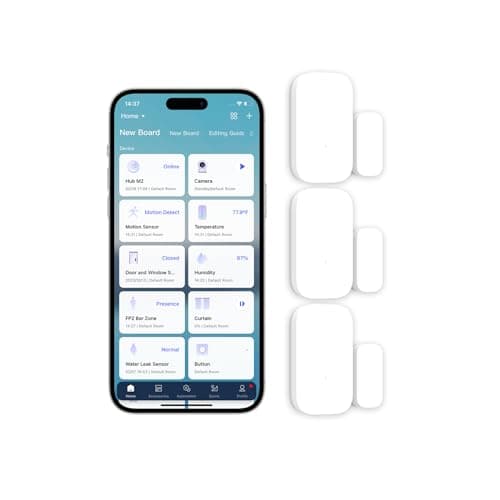
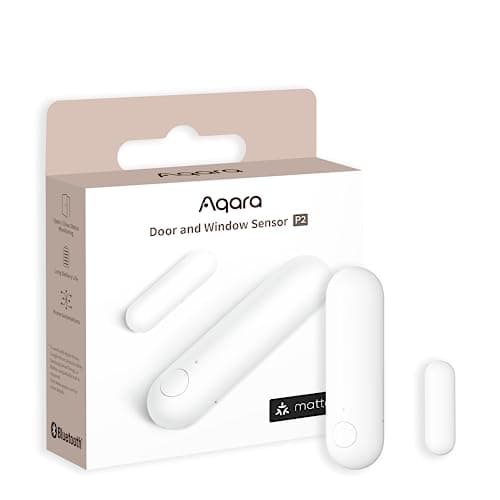
The Aqara Door and Window Sensor P2is the one to buy. It speaks Matter over Thread, so it joins Apple Home, Google Home, SmartThings or Home Assistant directly and keeps running automations with the internet down. It needs a Thread border router. If you don't have one, the Aqara Zigbee three-pack covers a whole house for far less per opening.
What are the best door and window sensors?
Every contact sensor sold does the same physical job. A reed switch sits in one half, a magnet sits in the other, and when the two separate the switch changes state. That mechanism has not meaningfully changed in forty years and it is not where the differences between these products live.
The differences live in the radio. What the sensor says, who it says it to, and whether anything is listening when your internet connection drops are the three questions that decide whether a sensor is useful in your house or a dead plastic rectangle stuck to a window frame. That is why the first thing on this page is a protocol matrix rather than a list of features.
Products we claim to have tested: 0.Everyone else in this category says they stuck a dozen sensors on their own doors. We have not, and we say so. What we do instead: read the manufacturer's manual and spec sheet, check the protocol against the published Matter, Thread and Zigbee specifications, compute the running cost from cell datasheets, and cite all of it. The rubric is published at our methodology page so you can reproduce the ranking from the same public sources.
The protocol compatibility matrix
This is the table the rest of this category refuses to print. Every column here is a real buying decision, and the “hub required” column is the one that generates the returns. A sensor that needs hardware you do not own is not a cheap sensor.
Compiled from manufacturer specifications and published protocol documentation, July 2026. “Works offline” means the sensor's state change still triggers a local action with the internet connection down.| Sensor | Matter / Thread | Zigbee | Z-Wave | Wi-Fi | Hub required? | Works offline? | Battery |
|---|
| Aqara Door and Window Sensor P2 | Yes, Matter over Thread | No | No | No | Thread border router, mandatory | Yes, local automations | 1x CR2032 |
|---|
| Aqara Zigbee Door and Window Sensor (3-pack) | Only by bridging through a Matter-capable Aqara hub | Yes, Zigbee 3.0 | No | No | Aqara hub | Yes, hub-local automations | 1x CR1632 each |
|---|
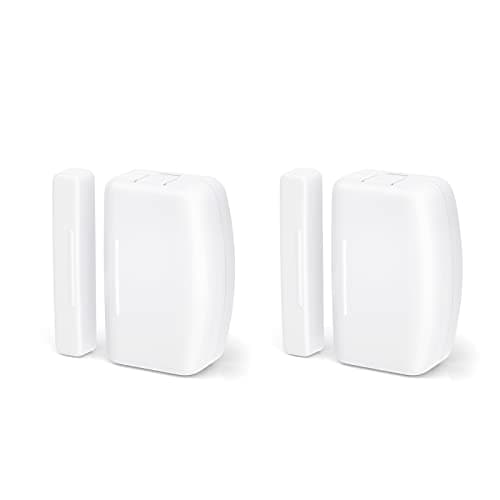
| THIRDREALITY Zigbee Contact Sensor (2-pack) | Only by bridging through your coordinator | Yes, Zigbee 3.0, any coordinator | No | No | Any Zigbee coordinator or stick | Yes, fully local | Replaceable cell |
|---|
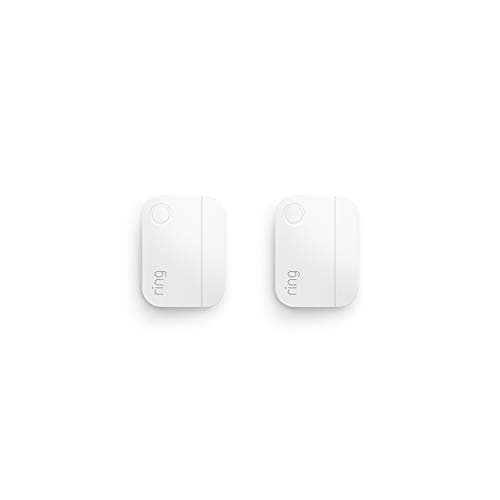
| Ring Alarm Contact Sensor 2-Pack (2nd gen) | No | No | Yes, but only to a Ring base | No | Ring Alarm base station | Base-local alarm yes; app alerts need the internet | Replaceable cell, approx. 3-year life (Ring) |
|---|
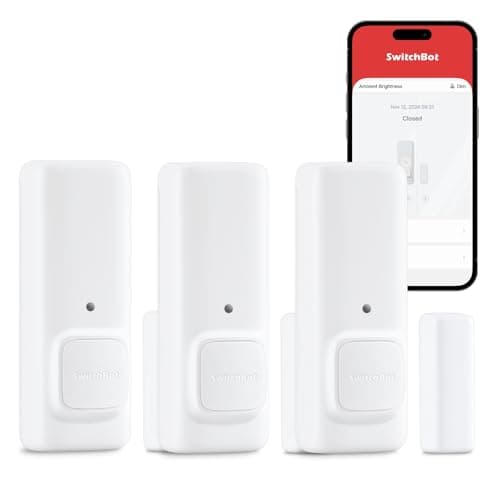
| SwitchBot Contact Sensor | No | No | No | No, Bluetooth | None for the audible alert; hub for phone alerts | Yes, the onboard alert is entirely local | Replaceable cells |
|---|
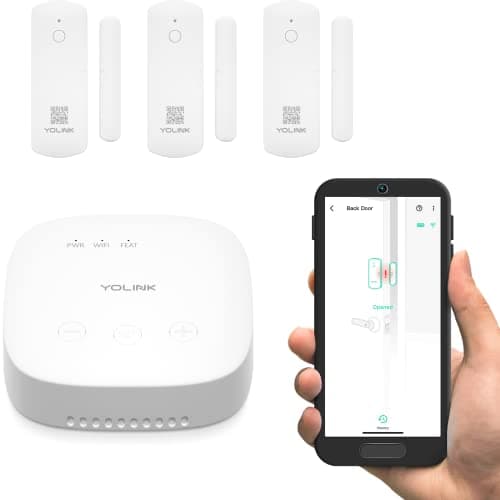
| YoLink LoRa Door Sensor Starter Kit | No | No | No | No, proprietary LoRa | YoLink hub, included in the kit | Partly, device-to-device triggers run without the internet | AAA cells |
|---|
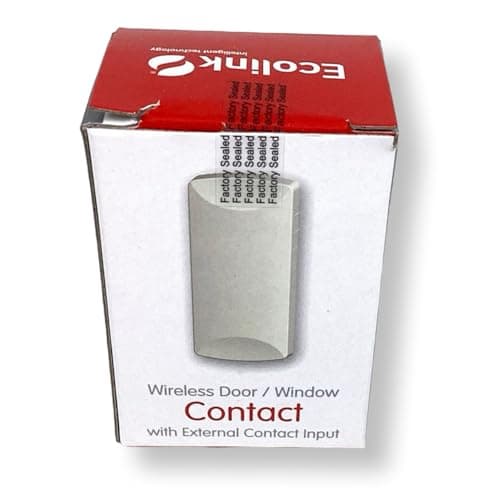
| Ecolink WST-232 | No | No | No, 345 MHz | No | Honeywell or 2GIG-family 345 MHz panel | Yes, the panel is local | Long-life lithium cell |
|---|
How to read the matrix
Work right to left. The “hub required” column tells you the true cost of entry. The Ring and Ecolink rows are not sensors you can buy on their own in any meaningful sense: the Ring contact sensor pairs to a Ring Alarm base and nothing else, and the Ecolink is legacy alarm hardware that needs a compatible 345 MHz panel already screwed to a wall. Both are excellent inside their system and inert outside it.
Then read the offline column. This is where the marketing and the engineering separate. A Zigbee or Thread sensor reporting to a local hub fires its automation on your own network, in milliseconds, with no round trip to a data center. A sensor whose alert path runs through a vendor cloud is offline exactly when your router is, which is a bad time for it to be offline. If that trade-off is new to you, our explainer on Matter and what it actually changes is the shortest route to understanding it.
Why the ranking looks like this
Aqara P2, first, on one property
Thread. It is not a faster Zigbee and it is not a Wi-Fi variant; it is a low-power IPv6 mesh, and a device on it is addressable by your home directly rather than by a manufacturer's server on your behalf. Combined with Matter, that means the P2 shows up as a native contact sensor in Apple Home, Google Home, SmartThings or Home Assistant, with no Aqara account in the path and no Aqara app required to run an automation. The price of that is a hard dependency: without a Thread border router in the house it joins nothing at all. The full argument, including which devices actually are border routers, is in our single-product review of the Aqara P2.
The Zigbee three-pack, second, on arithmetic
A real perimeter is six to twelve sensors, not one. The moment you multiply, per-unit cost stops being a detail and becomes the whole decision. Aqara's Zigbee sensors are sold in threes, are among the physically smallest contact sensors available, and run local automations through an Aqara hub. They are bound to that hub rather than joining a Matter fabric directly, which is a genuine downgrade from the P2 and the reason they are second rather than first.
THIRDREALITY, third, for anyone running their own coordinator
Plain Zigbee, no manufacturer hub, no vendor account, nothing that can be switched off from head office. If you already run a Zigbee stick on Home Assistant, Hubitat or SmartThings, this is the cheapest way to add openings to a system you fully control. It is third only because it assumes infrastructure most buyers do not have. It is physically larger than the Aqara units, so measure the sash before you order.
Ring, SwitchBot, YoLink and Ecolink cover the edges
The Ring sensor has the longest published battery claim here and the lowest per-opening cost once the base station exists, and it is locked to that base forever. The SwitchBot combines contact and motion in one body and makes a noise on its own, which is the right answer for a garage side door where a phone notification is not enough. YoLink's LoRa radio is the only technology on this page that reaches a detached garage or a gate at the end of a drive. The Ecolink has a screw terminal, so it can adopt a hardwired contact already sitting in your door frame. Each of those is a narrow answer to a specific problem, and if you do not have that problem you should buy something cheaper.
Real battery arithmetic
Battery claims in this category are printed without any working shown, so here is the working.
A CR2032 is a 3-volt lithium coin cell holding roughly 220 mAh, a figure published on the cell manufacturers' own datasheets rather than on the sensor box. Aqara rates the P2 at up to two years on one cell. Two years is about 17,500 hours. 220 mAh spread across 17,500 hours is an average draw of about 12.6 microamps. That number is the signature of a device that sleeps almost permanently and only powers its radio when the reed switch changes state, which is exactly what a well-designed contact sensor does.
Now apply the same arithmetic to the CR1632 in the Zigbee three-pack. Same 3-volt chemistry, physically thinner, and published capacities land around 120 to 140 mAh depending on the manufacturer. Roughly half the reservoir at a comparable duty cycle means roughly half the interval. Budget for changing those cells noticeably more often than the P2's, and buy them in a strip rather than one at a time.
Ring publishes an approximate three-year life on its contact sensor, the longest claim on this page. YoLink's sensors take AAA cells, which hold several times a coin cell's energy and are the reason a LoRa radio with far greater range can still last well.
What this means in practice: nine sensors on a roughly two-year cell is four to five coin cells a year. That is one evening with a screwdriver, once a year, and a strip of cells in a drawer. It is not a monthly line item, which is the entire difference between hardware you own and a monitoring plan that compounds over five years.
How many sensors does a house actually need?
Six to twelve. Here is how that range is derived, so you can redo it for your own floor plan rather than trusting ours.
The rule is: every opening a person can get through without a ladder. Not every window in the house. Not the second-floor bathroom over the driveway. The openings at ground level, plus anything a flat roof, a fence rail or a garbage bin turns into ground level.
For a typical three-bedroom detached house that resolves to:
- Front door
- Back or patio door, counted separately even if it is a slider
- The door between the garage and the house
- Kitchen window, one or two depending on the layout
- Living or dining room windows, usually two
- Any ground-floor bedroom window
- Basement or utility window if it opens
The big garage door is not on that list because it is a different kind of purchase: a controller that both reports the door's position and drives it, bolted onto the opener already on the ceiling. Those are ranked separately in the best smart garage door openers.
That totals eight to eleven. Subtract the ones painted shut or blocked by a fitted unit and you land in the six-to-twelve band. Apartments and condos land at the bottom of it, usually three to five, because most of the perimeter is a shared corridor.
The per-opening cost math, with the formula
Do not compare sensors on unit price. Compare them on cost per opening, which includes the hub amortized across every opening it serves:
cost per opening = (pack price divided by sensors per pack) + (hub price divided by the number of openings you are covering)
Take the live prices from the cards above and run it yourself. Cover nine openings with three-packs and you buy three packs plus one hub: multiply the pack price by three, add the hub once, divide by nine. Then run the same sum for three openings. The hub term is the part that moves. At three openings the hub can be a third of the total; at twelve it is close to a rounding error.
That single behavior is the reason a hub-based Zigbee or Thread estate beats a hubless one on any house with more than roughly four openings, and the reason a hubless sensor is the right answer for a single apartment door. It is arithmetic, not preference.
What a contact sensor cannot do
A contact sensor knows one thing: whether two halves of it are next to each other. It does not know who opened the door, whether the pane beside the door was broken instead, or whether the window was slid open two inches and left there. Those are different sensors with different mechanisms, and a page that implies otherwise is selling you a false perimeter.
Vibration sensing on the frame catches a struck pane; acoustic detection catches a broken one; neither is a substitute for the other. Motion and presence sensing cover the interior volume rather than the opening. And a contact sensor on a door tells you the door moved, not that it is locked, which is the specific gap that a smart lock with state reporting fills. Sensors and locks are the same purchase made twice, a month apart, by most of the people reading this.
How we picked
Everything here is compiled from published sources: manufacturer manuals and spec sheets, the Matter and Thread specifications, Zigbee 3.0 documentation, and cell datasheets for the battery figures. Scores are judgments drawn from those documents, not bench measurements, and the methodology page publishes the rubric in full. If you are weighing ecosystems as well as sensors, our Ring versus eufy comparison covers what happens to your sensor data in each, and the sensors hub collects the rest of this category.
How to choose a door or window sensor
Start with the hub question, not the sensor
The order most buyers use is backwards. They pick a sensor, discover it needs something, and buy the something under duress. Decide the hub first and the sensor list collapses to two or three obvious candidates.
If you own an Apple TV 4K, a HomePod mini, a Google Nest Hub (2nd gen) or a SmartThings Station, you already have a Thread border router and the P2 is the answer. If you own none of those and want one box that covers both Thread and Aqara Zigbee, the Aqara Hub M100 does it for a fraction of the M3 and is the right call for a normal house. If you already run Home Assistant with a Zigbee stick, buy THIRDREALITY and skip hubs entirely.
Gap tolerance, and where the magnet goes
Every contact sensor has a maximum working gap between the two halves, published in its manual. Doors and windows that have settled, uPVC frames with deep reveals, and any opening with a storm door or secondary glazing routinely exceed it. Measure the gap you actually have before ordering, and mount the magnet on the moving leaf with the sensor body on the fixed frame, not the other way around, so the heavier half is not swinging.
Physical size is the spec people forget
Window sashes are the constraint, not doors. A sensor that fits a door frame with room to spare can stop a casement window closing. The Aqara units are among the smallest sold and the THIRDREALITY units are noticeably larger; on a narrow sash that is the whole decision, protocol be damned. Measure the flat run of frame you have, in millimeters, and check it against the dimensions in the manual.
What decides the price
Three things, in order. First, whether the radio is a licensed mesh standard: Thread and Zigbee silicon costs more than Bluetooth. Second, pack size, because a three-pack is almost always cheaper per opening than three singles. Third, whether the manufacturer is selling you a system or a component. Component sensors from THIRDREALITY and Aqara compete on price; system sensors from Ring and Wyze are priced low precisely because the base station carries the margin.
The mistake buyers make
Buying one sensor to try it. A single sensor on the front door tells you the front door opened, which you already knew because you were standing there. The value of a contact estate is entirely in coverage: it appears when the set is complete enough that an unexplained event is genuinely unexplained. Buy the pack, cover the ground floor, and treat any single-sensor purchase as an experiment rather than a solution.
The second mistake is treating notification as the goal. A notification you receive at work is information, not a response. Decide in advance what the sensor triggers locally, because a rule that runs on your own hub still runs when the connection is down, and read our guide on local versus cloud handling before you assume the alert path is the easy part.
If the house runs on Echo devices, the path the signal takes to Amazon changes this ranking — a published Matter device type, a vendor skill through a vendor hub, or a closed base station. That version is in best door sensors for Alexa.