HUB 07
Head-to-Head Comparisons
Two brands, one table, and a decision rule at the end. We do not declare a universal winner - we tell you which one your specific situation points to.
We earn a commission if you buy through our links. It does not change the price you pay, and it does not decide our picks — our selection criteria are published in full. How this works.

Start here

Ring vs eufy: the storage model decides it
Our top pick: eufy SoloCam S340 (solar, dual camera) — Solar panel, pan and tilt, dual lenses and onboard storage — no wire, no monthly fee, and no recording leaving the device unless you choose to send it.
The house rule for every page in this hub: a decision rule, not a winner declaration. Two brands can both be right, for different buyers, on the same day - and a comparison that crowns one of them has usually just described the writer's own house. Each page here ends with a two-sided rule instead: buy this one if these three things are true about your situation, buy the other one if they are not.
Why there is no universal winner
In this category the deciding variable is almost never build quality. It is the storage model, what you already own, and whether you are willing to pull a cable. A household that wants one doorbell and a chime, set up in an afternoon, with a monitoring option available later, is answering a completely different question from a household planning six cameras on a recorder in a closet. A single ranked list serves neither of them well; it just serves whichever one the writer happens to be.
There is also a plain incentive point worth stating. Declaring a winner is good for affiliate revenue and bad for accuracy, because it converts every reader into the same click regardless of what they needed. We would rather send half of you to the cheaper option.
Every comparison here answers the same four questions. Where does the footage live and what does it cost to keep. What still works when the internet is down. What do you lose if you never pay for a plan. And what does it cost to leave later, once you own the base station, the sensors and the doorbell chime.
What we compare on
Storage model comes first, because it drives everything else - a card in the camera, a drive in a base station, a recorder on the network, or someone else's servers. Running cost over five years comes second, in the shape the plan is actually sold: per device or per household, and what the free tier keeps. The full breakdown across brands lives on subscription costs compared.
Then offline behavior: what the hardware does with the broadband down, which is where the two ecosystems in a given comparison usually diverge most sharply. Then openness - whether the camera speaks RTSP or ONVIF, whether it works with Home Assistant, whether Matter support is real or announced. And finally power and mounting, because a brand with no power-over-Ethernet option is simply not a candidate for a wired installation no matter how it scores elsewhere.
The flagship head-to-heads
Ring versus eufy
The clearest philosophical split in the category: a mature, wide ecosystem with a monitoring path and cloud-first storage, against a local-storage-first design built to run with no monthly fee. The rule turns on whether you want professional monitoring available and how you feel about a recurring charge. Read the Ring versus eufy rule.
eufy versus Wyze
Both position themselves against subscription-heavy competitors, and they get there differently - one via an aggressive hardware price, the other via local storage and a base station. The rule turns on total spend including the storage you need to add. Read the eufy versus Wyze rule.
eufy versus Reolink
Appliance against system. One is polished, integrated and simple to live with; the other offers wired power-over-Ethernet, network recorders, optical zoom and open protocols, and expects more of you at install time. The rule turns almost entirely on whether cable can be run. Read the eufy versus Reolink rule.
Ring versus Nest
The two biggest names in doorbells, and the pairing where the rule is least about the hardware. Google's current generation is wired-only on a specific transformer rating and Ring's is battery, so the wiring at your door usually settles it before a spec is read - and neither one records anything to storage you own. Read the Ring versus Nest rule.
eufy SoloCam versus Reolink Argus
The closest pairing on this hub, and the one where the usual tiebreaker is unavailable: both are solar, both pan, both record locally and neither charges a monthly fee. The rule therefore turns on the storage medium - sealed onboard store against a card you supply - and on whether anything other than the maker's own app can read the stream. Read the solar camera rule.
eufy versus Tapo
The two brands we recommend most often to people who refuse a monthly fee, and they get there from opposite ends. eufy sells a system whose storage is designed in; Tapo sells cheap standalone cameras and leaves the storage to a card you buy. The rule turns on whether you are covering a property or watching one door - and on continuous recording, which only one of them offers at a low price. Read the eufy versus Tapo rule.
Lockly versus eufy, on video locks
The two brands that own the smart lock with a camera, and the only head-to-head here where the usual tiebreaker is unavailable - neither charges a plan to record. So it is decided on who supplies the storage and who feeds the thing: 8GB soldered into a eufy lock against a card in Lockly's box, and roughly three months on a rechargeable pack against up to twelve on eight AA cells. Read the Lockly versus eufy rule.
Aqara versus SwitchBot
The only pairing on this hub that is not about cameras at all, and the one where the rule is architectural rather than commercial - neither brand charges for anything. Aqara sells Zigbee and Thread devices behind a hub that is itself a Matter controller and a Thread border router, so the automations run in the house; SwitchBot sells Bluetooth devices bridged to the network by a hub, and motors that operate hardware you are not allowed to replace. The rule turns on how many openings you are covering and whether the lock can be changed. Read the Aqara versus SwitchBot rule.
The battery-camera pairings
Three head-to-heads cover the wire-free end of the market, where the storage model is the only thing that really separates the brands. Ring versus Blink turns on the Sync Module, which is the one piece of Amazon hardware that writes locally, against a Ring line that writes nothing without a plan. Wyze versus Blink is the cheap-camera version of the same question, and it is decided on what each brand gates behind a subscription rather than on the sensor. Ring versus Arlo is the premium version: better hardware on the Arlo side, the most aggressive plan structure in the category on both, and no local storage path on either.
Yale Approach versus August
Two retrofit locks from the same parent company, which makes this the narrowest comparison on the hub and the one with the clearest rule. Both clamp onto the inside of an existing deadbolt and keep your key; what differs is that the August puts its Wi-Fi inside the lock while the Approach reaches the internet through a plug-in bridge, and that the Approach bundle ships a pad that reads fingerprints where the August bundle ships a pad that reads codes only. Socket or print - that is the whole decision. Read the Yale Approach versus August rule.
Ultraloq versus Yale
Two opposite bets on which part of a lock should be upgradeable. Ultraloq spends the budget at the door, on the number of ways it opens - a fingerprint reader on the knob, anti-peek codes, a bundled door sensor. Yale spends it on the radio slot, selling one lock body with the connectivity as a swappable card, so a platform change is a part rather than a new lock. Neither publishes a model-specific hardware grade for the locks compared, and the page says so instead of inventing one. Read the Ultraloq versus Yale rule.
What most buyers get wrong
Reading a brand comparison as a quality ranking. These are architecture comparisons. The lower-placed brand in any given rule is frequently the correct purchase for the reader who does not match the first set of conditions.
Comparing one brand's flagship with another's budget model. Nearly every comparison online does this, usually by accident. Match the tier, or the result is decided before the writing starts.
Underestimating switching cost. Once a base station, four sensors and a doorbell chime are installed, the cost of changing brands is the whole kit again. That is a reason to spend longer on this decision than on any individual product, and a reason to check the ecosystem before the camera - which is what the camera hub is organized around.
Reading the comparison after buying the first device. By then the ecosystem is chosen and the comparison is academic. This is the page to read first, not third.
Everything in this hub
All of Comparisons
Head to head
Ring vs eufy: the storage model decides it
Ring has the better app and the better ecosystem; eufy records to hardware you own and never bills you. The head-to-head table, the Ring Alarm exception almost nobody states, and a decision rule instead of a winner.
Top pick: eufy SoloCam S340 (solar, dual camera) · 6 ranked, 6 with live prices
$199.99on AmazonHead to head
eufy vs Wyze: budget price against total cost
Wyze wins on entry price and nothing else; eufy wins on running cost, feature completeness and brand record. The deciding question is not brand loyalty, it is whether the camera points at a driveway or a bedroom.
Top pick: eufy SoloCam S340 (solar, dual camera) · 5 ranked, 5 with live prices
$199.99on AmazonHead to head
eufy vs Reolink: polish against openness
Both record locally with no plan. eufy is the more polished, more closed appliance; Reolink publishes RTSP and ONVIF and drops straight into Home Assistant, Frigate and Blue Iris. The decision rule turns on appliance versus component.
Top pick: eufy SoloCam S340 (solar, dual camera) · 6 ranked, 6 with live prices
$199.99on Amazon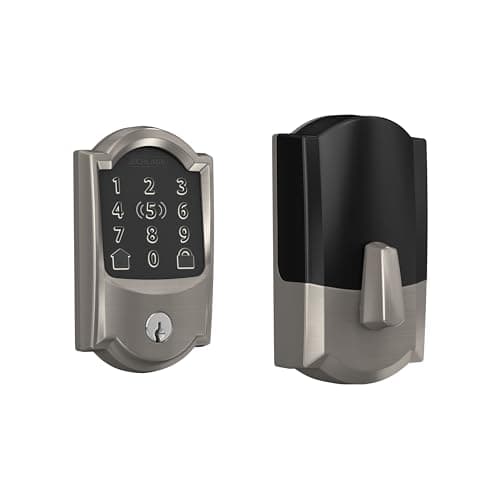
Head to head
Schlage Encode Plus vs Yale Assure Lock 2: pedigree against a swappable module
Schlage brings the strongest published deadbolt pedigree, built-in Wi-Fi and Apple Home Key; Yale answers with a radio module you can swap for a newer protocol. The head-to-head table and a decision rule instead of a winner.
Top pick: Schlage Encode Plus Wi-Fi Deadbolt · 2 ranked, 2 with live prices
$284.99on Amazon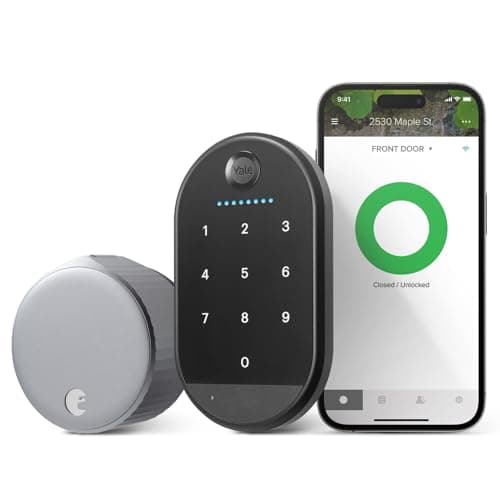
Head to head
August vs SwitchBot Lock Ultra: the retrofit head-to-head
August has the more mature app and built-in Wi-Fi in one box; the SwitchBot Lock Ultra Touch Combo answers with a fingerprint keypad and a hub included. A head-to-head table and a clear decision rule for renters.
Top pick: August Wi-Fi Smart Lock (with Yale Keypad) · 2 ranked, 1 with live prices
$107.00on Amazon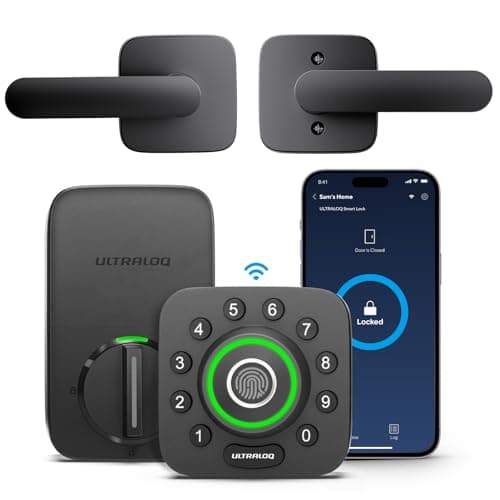
Head to head
Ultraloq U-Bolt Pro vs eufy Smart Lock C220: the fingerprint value pick
Ultraloq packs the most entry methods and a bundled door sensor; the eufy C220 is the budget fingerprint deadbolt that covers the basics. Head-to-head table and a decision rule built around budget and breadth.
Top pick: Ultraloq U-Bolt Pro Wi-Fi (with Handle) · 2 ranked, 2 with live prices
$159.99on Amazon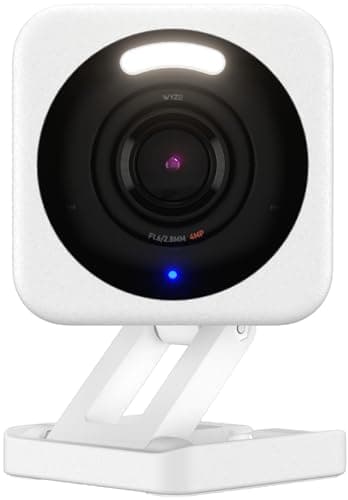
Head to head
Wyze vs Tapo cameras: the budget camera split
Wyze Cam v4 is a hair sharper and has a busier third-party community; the Tapo 2K+ wired camera records 24/7 to a card with nothing gated behind a plan. The head-to-head table, the trust caveat, and a decision rule instead of a winner.
Top pick: Wyze Cam v4 (2.5K) · 2 ranked, 2 with live prices
$44.97on Amazon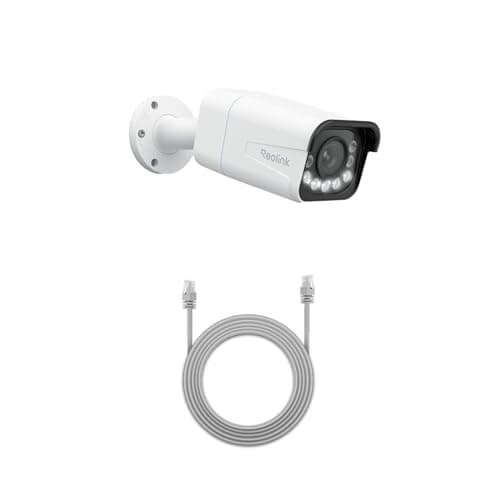
Head to head
Reolink vs Amcrest: the PoE value pick
The Reolink RLC-811A brings 4K, a real 5x optical zoom and a polished first-party ecosystem; the Amcrest 5MP bullet is the cheapest way into a properly documented, open ONVIF camera for a Blue Iris or Frigate build. The head-to-head table and a decision rule about convenience versus openness.
Top pick: Reolink RLC-811A (4K PoE, 5x zoom) · 2 ranked, 2 with live prices
$136.83on Amazon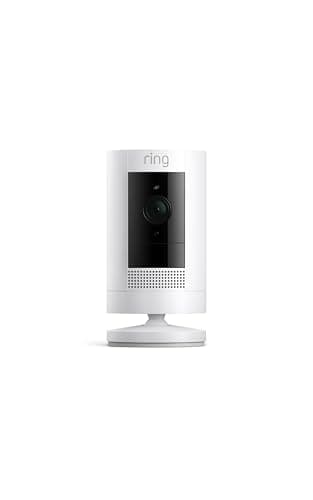
Head to head
Ring vs Wyze: app polish against price
Ring has the best app, the fastest alerts and the deepest ecosystem, and records nothing you can review without a plan. Wyze is a fraction of the price and keeps its footage on a local card. The head-to-head table and a decision rule built around one question: will you pay monthly, forever?
Top pick: Ring Outdoor Cam (Stick Up Cam) · 2 ranked, 2 with live prices
$79.99on Amazon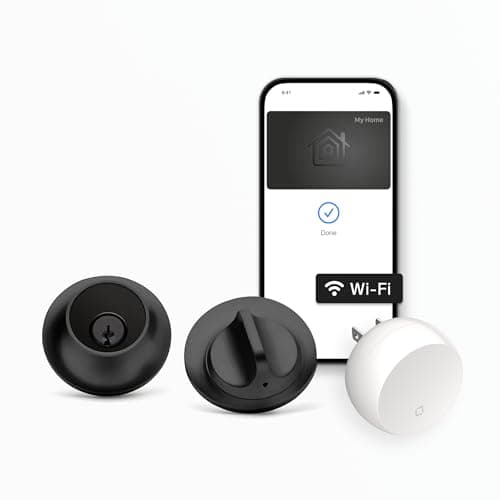
Head to head
Level Lock+ vs August Wi-Fi Smart Lock: two ways to stay invisible
The Level Lock+ hides the entire mechanism inside the door and adds Apple Home Key; the August keeps your deadbolt untouched and reverses in minutes for renters. A head-to-head table and a decision rule instead of a winner.
Top pick: Level Lock+ Wi-Fi Deadbolt · 2 ranked, 2 with live prices
$259.32on AmazonHead to head
Schlage Encode Plus vs Kwikset Halo: pedigree against a re-keyable cylinder
The Schlage Encode Plus brings BHMA Grade 1 pedigree and Apple Home Key; the Kwikset Halo answers with SmartKey self-re-keying at a lower price. Both are touchscreen Wi-Fi deadbolts on four AA cells. A head-to-head table and a decision rule instead of a winner.
Top pick: Schlage Encode Plus Wi-Fi Deadbolt · 2 ranked, 2 with live prices
$284.99on Amazon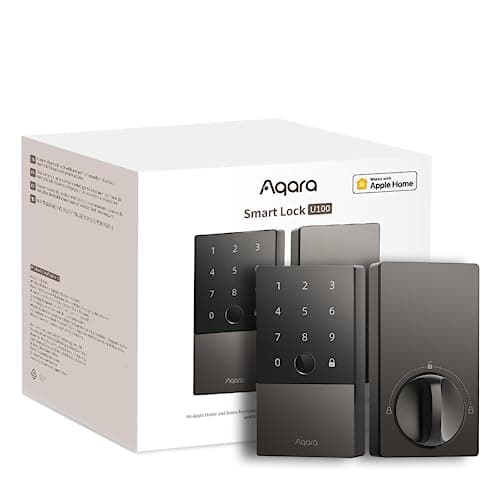
Head to head
Aqara Smart Lock U100 vs Ultraloq U-Bolt Pro
Two fingerprint deadbolts, one real difference. The Aqara U100 adds Apple Home Key and a broad ecosystem but needs a hub for remote access; the Ultraloq U-Bolt Pro puts Wi-Fi in the lock and needs no bridge, with no Home Key.
Top pick: Aqara Smart Lock U100 · 2 ranked, 2 with live prices
$149.99on Amazon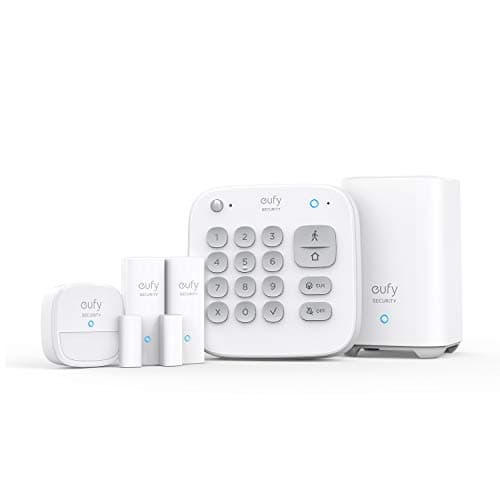
Head to head
eufy Alarm Kit vs Ring Alarm (8-Piece)
Two DIY alarm systems, one decision. The eufy Alarm Kit is self-monitored with genuinely no monthly fee; the Ring Alarm 8-Piece works unmonitored too but keeps optional professional monitoring on the table, with more sensors in the box.
Top pick: eufy 5-Piece Home Alarm Kit · 2 ranked, 2 with live prices
$159.99on Amazon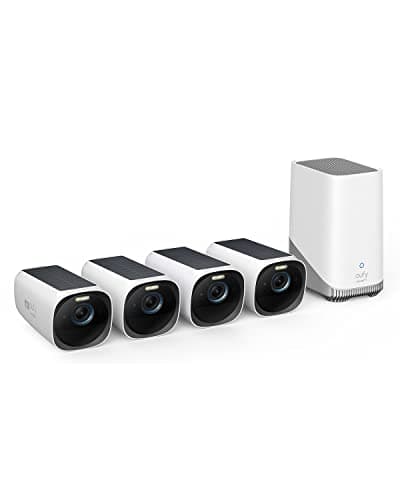
Head to head
eufyCam 3 vs Arlo Pro 5S: local storage against a cloud plan
The eufyCam 3 (S330) records 4K to an included HomeBase with no plan; the Arlo Pro 5S is a sharper-per-camera 2K HDR unit whose recorded video sits behind Arlo Secure. The head-to-head table and a decision rule instead of a winner.
Top pick: eufyCam 3 (S330) 4-camera kit · 2 ranked, 2 with live prices
$499.99on AmazonHead to head
Wyze Cam v4 vs Blink Outdoor 4: the two budget defaults
The Wyze Cam v4 is mains-powered 2.5K to a microSD card for the lowest cost here (weigh Wyze's published security-incident history); the Blink Outdoor 4 is wireless with a two-year battery and local USB storage via a Sync Module. Table plus a decision rule.
Top pick: Wyze Cam v4 (2.5K) · 2 ranked, 2 with live prices
$44.97on AmazonHead to head
Ring Stick Up Cam vs Arlo Pro 5S: two cloud cameras
The Ring Stick Up Cam is cloud-only and deep in Alexa; the Arlo Pro 5S is sharper 2K HDR with a longer feature list. Both need a plan for recorded clips. Head-to-head table, a decision rule, and honest advice to look at eufy if you want no plan.
Top pick: Ring Outdoor Cam (Stick Up Cam) · 2 ranked, 2 with live prices
$79.99on Amazon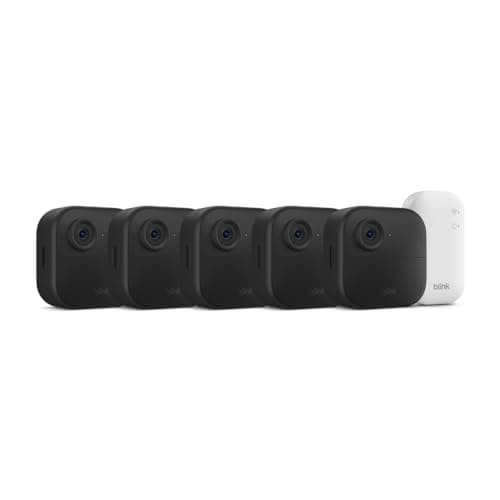
Head to head
Ring vs Blink: same owner, opposite storage deals
Ring and Blink are both Amazon brands, but only one of them lets you keep recorded footage without paying monthly. The head-to-head table, the battery gap, and a decision rule rather than a winner.
Top pick: Blink Outdoor 4 · 2 ranked, 2 with live prices
$299.99on Amazon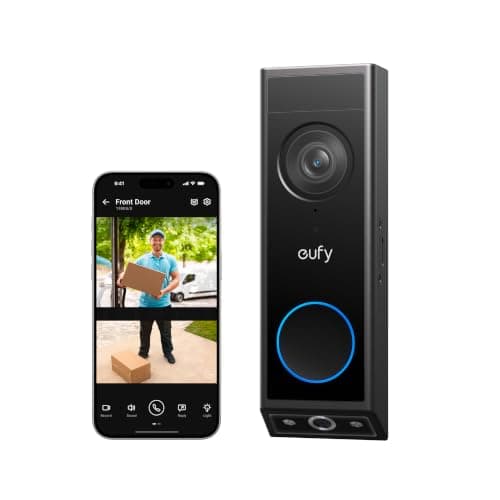
Head to head
Security camera vs doorbell camera: which do you actually need?
A doorbell camera answers who is at the door; a security camera answers what happened in a space. The differences in field of view, power and detection, with a decision rule for buying one first.
Top pick: eufy Video Doorbell E340 (dual camera) · 2 ranked, 2 with live prices
$149.99on AmazonHead to head
IP camera vs NVR: not a choice between two things
An IP camera captures; an NVR stores, indexes and powers. They are layers, not alternatives. When a card in the camera is enough, when a recorder becomes necessary, and how CCTV differs from both.
Top pick: Reolink RLC-811A (4K PoE, 5x zoom) · 2 ranked, 2 with live prices
$136.83on Amazon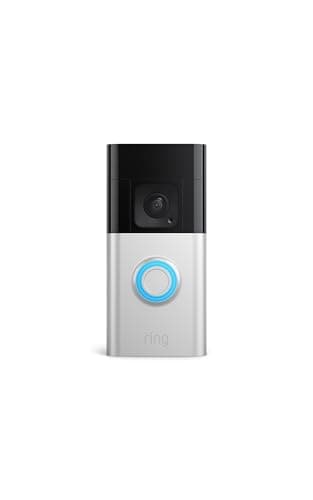
Head to head
Ring vs Nest Doorbell: wiring decides it, and neither records for free
Ring Battery Doorbell Plus against the Google Nest Doorbell (Wired, 3rd Gen). Decided on power and on what each records with no plan: Ring keeps nothing, Nest keeps a rolling three-hour window, and neither stores anything locally. A decision rule, plus the honest case for buying neither.
Top pick: Ring Battery Doorbell Plus · 2 ranked, 2 with live prices
$108.37on AmazonHead to head
eufy SoloCam S340 vs Reolink Argus PT Ultra
The two cameras that win our solar category, head to head. Buy the eufy for the better image and the second lens; buy the Reolink if you want the footage on a card you own and a stream your own software can read.
Top pick: eufy SoloCam S340 (solar, dual camera) · 2 ranked, 2 with live prices
$199.99on AmazonHead to head
eufy vs Tapo: a system against a card you own
Two subscription-free camera brands head to head. Buy eufy if you want one system covering a whole property with retention set by drive size; buy Tapo if you want one or two cameras, a card you own, and the cheapest continuous recording on this site.
Top pick: eufy SoloCam S340 (solar, dual camera) · 5 ranked, 5 with live prices
$199.99on Amazon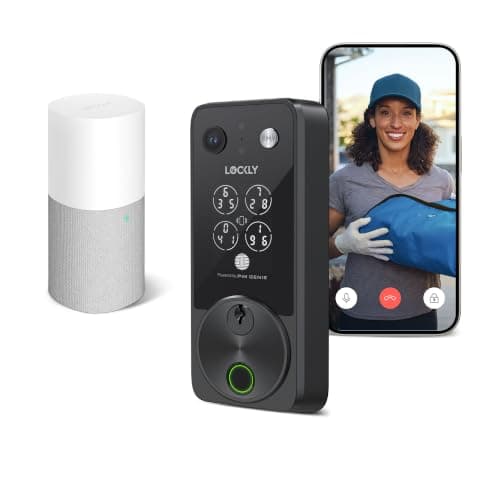
Head to head
Lockly Vision vs eufy Video Smart Lock
The two brands that own the video lock category, head to head. Lockly wins on battery arithmetic and keypad security; eufy wins on storage nobody has to supply and on being the only one with a chime in the box.
Top pick: Lockly Vision Zeno Series · 4 ranked, 4 with live prices
$339.00on Amazon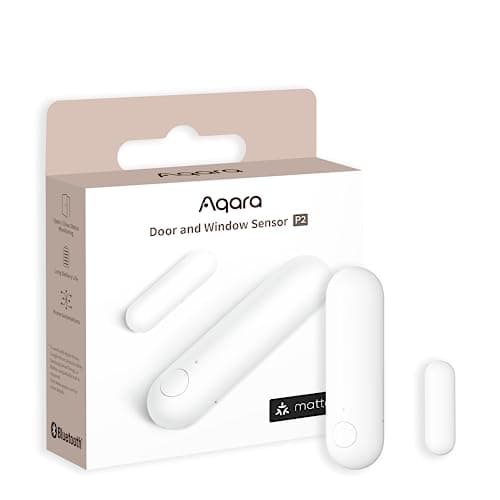
Head to head
Aqara vs SwitchBot
Aqara and SwitchBot compared on radio, hub role, offline behavior and what each brand is for. Aqara for a sensor estate that automates locally; SwitchBot for retrofitting a door or a device you cannot replace.
Top pick: Aqara Door and Window Sensor P2 · 4 ranked, 4 with live prices
$27.99on Amazon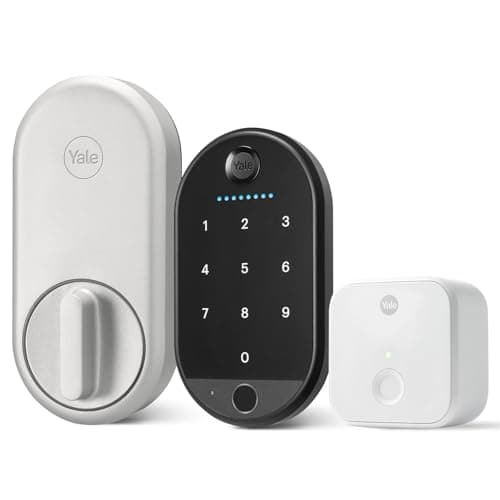
Head to head
Yale Approach vs August Smart Lock
The two retrofit locks from one parent company, head to head. The Yale Approach bundle wins because its included pad reads fingerprints; the August wins if you refuse to give up a wall socket to a bridge.
Top pick: Yale Approach Lock with Wi-Fi · 3 ranked, 2 with live prices
$166.51on Amazon
Head to head
Ultraloq vs Yale Smart Locks
Ultraloq against Yale on the two things that actually differ: entry methods at the door, and whether the radio can be changed without changing the lock. Fingerprint buyers go Ultraloq; anyone unsure about their platform goes Yale.
Top pick: Yale Assure Lock 2 (Wi-Fi, keyed) · 4 ranked, 4 with live prices
$197.00on Amazon
Filed elsewhere, written for you
Also worth reading
These live under a different section of the site but answer the same question a comparisons buyer is actually asking.