HUB 06 · Guides
The Best Smart Home Ecosystem for Security: Apple, Google, Alexa, SmartThings or Home Assistant
Five platforms, one decision, and almost none of it is about the app. What each one does with a recording, what survives an internet outage, and which of them has already changed the deal on its own customers.
We earn a commission if you buy through our links. It does not change the price you pay, and it does not decide our picks — our selection criteria are published in full. How this works.
Which smart home ecosystem is best for security?
Home Assistant, if you will run a small server. SmartThings is the best mainstream answer: it executes device logic on the hub, takes every radio in this category, and is already built into a lot of Samsung hardware. Apple Home is excellent if the household is Apple and you accept that camera recording means an iCloud+ plan. Google Home comes last here, for one reason that has nothing to do with quality.
The reason Google comes last: Google publishes no local storage option for any Nest camera or doorbell. Every other platform on this page has at least one supported path to footage written to hardware you own. That is a structural difference, not a preference.
The five questions that decide this, and none of them is the app
People pick an ecosystem by opening five apps and choosing the one that looks best. That ranks the thing that changes most often and ignores the four things that do not change at all. Ask these instead, in this order:
- Where does a recording get written? A card in the camera, a base station in a closet, a recorder you own, or a company's servers. This is the only question on the list that you cannot fix later by buying a different box.
- What still works with the internet down? A platform that evaluates automations on hardware in your house keeps arming, alerting and triggering when the line drops. A platform that evaluates them in a data center does not.
- What is gated behind a plan? Not “what does the plan add” - what stops being a security device without it. Those are different questions and vendors answer the first one loudly.
- Which radios does the platform speak without another box? Thread, Zigbee and Z-Wave sensors are cheap and long-lived, and whether you can use them depends entirely on what is already in the room.
- What is the company's record when it changes its mind? Every platform on this page has rewritten terms its customers had already bought into. The question is what happened to the hardware when it did.
Our full scoring rubric, including what disqualifies a product outright, is set out on how we pick. The comparison below is compiled from the vendors' own published documentation, read on the date in the byline.
| Platform | Camera recording destination | Local execution | Plan needed to record | Native radios |
|---|---|---|---|---|
| Apple Home | iCloud, encrypted, via HomeKit Secure Video | Yes, on a HomePod or Apple TV home hub | Yes - iCloud+ | Thread, Wi-Fi, Matter |
| Google Home | Google's cloud only; no local option published | Not documented for Nest cameras | Free tier is a rolling event window; history needs a plan | Thread, Wi-Fi, Matter |
| Amazon Alexa (with Ring) | Ring's cloud; no local storage on Ring cameras | Partial - Echo routines vary by device | Yes, for any saved video at all | Thread, Zigbee, Wi-Fi, Matter |
| Samsung SmartThings | Depends on the camera; Matter cameras may record locally | Yes - Edge drivers run on the hub | No consumer plan for device control | Thread, Zigbee, Z-Wave, Wi-Fi, Matter |
| Home Assistant | Your own disk, via RTSP or ONVIF | Yes - everything, by design | No | Anything you add a radio for |
Apple Home: the best privacy story, with a bill attached
Apple Home is the only mainstream platform that encrypts camera footage before it leaves the house and analyzes it on hardware you own. That is what HomeKit Secure Video is: your home hub does the person, pet, package and vehicle detection, and Apple stores the result without being able to read it. Apple also states that the video does not count toward your iCloud storage, and keeps the last 10 days of activity in the Home app.
The bill is that recording is an iCloud+ feature and the tier decides how many cameras you may connect: the entry tier lets you “add a single camera,” the middle tier “up to five cameras,” and the top tier “an unlimited number of cameras.” A camera count is an unusual thing to meter, and it catches people out at exactly the moment they add the third camera.
On accessories, Apple states plainly that “you must set up a home hub to add Matter accessories to the Home app,” with a narrow exception on iOS 18 and later, where an iPhone alone can add and control them. Thread accessories are stricter and need a Thread-enabled hub - a HomePod mini or an Apple TV 4K with Ethernet - or a supported third-party border router. In practice, an Apple security house owns at least one HomePod or Apple TV, and that box is also what keeps automations running while you are out.
Apple is also the only platform here with a first-class lock credential. Home Key puts the door in the Wallet and taps to unlock, which is covered in full in the best Apple Home Key smart locks. The camera side is ranked in the best HomeKit security cameras, which is specifically about what each one does when you have not bought iCloud+.
Skip Apple Home if the household is not already on iPhones, or if you want footage on a disk in your house. There is no Apple-supported local recording path, and the good HomeKit cameras tend to be the ones with no card slot at all.
Google Home: the best picture, the worst storage terms
Google makes very good camera hardware and publishes no way to keep the footage. That sentence is the whole section. Nest Aware became Google Home Premium on 1 October 2025 - Google's own help page says so in those words - and the tiers below it are cloud event history: 30 days of event-based history on the standard tier, 60 days plus 10 days of continuous recording on the higher one.
Without a plan, Google documents “up to 3 hours of event video history” on newer battery models and “up to 6 hours of event video previews” - clips of up to ten seconds - on the newest wired ones. It also states that “regardless of what Nest camera you have and whether you have a subscription, you can access your camera's live video stream anytime in the app.” A rolling three-hour window that overwrites itself is genuinely more than Ring gives you for free, and it is still not a record of what happened while you were at work.
As a controller, Google Home is competent and unremarkable: you need one Matter-certified hub per app you want to control from, Nest speakers and displays fill that role, and a Thread accessory needs one of them to also be a border router. If you want the doorbell comparison rather than the platform argument, it is laid out side by side in Ring vs Nest doorbell.
Skip Google Home if footage matters to you more than image quality. If you are already deep in Google and want to stay, the workable pattern is Google for voice and routines, and a camera brand from the cameras that work with no subscription for the recording.
Amazon Alexa: the widest hardware net, the narrowest free tier
Alexa is the most broadly compatible platform in home security, and Amazon ships the largest fleet of Thread border routers of anyone: its developer documentation lists the Echo (4th Gen) on Thread 1.1, and the Echo Dot Max, Echo Hub, Echo Plus (2nd Gen), Echo Show 8, 10, 11, 15 and 21, Echo Studio and a long list of eero routers on Thread 1.3. “Thread-enabled Amazon Echo devices act as Thread Border Routers to provision and secure Thread networks,” in Amazon's words. If you own a recent Echo, you already have the box that the Thread sensors in the best door and window sensors need.
The security half of Alexa in practice is Ring, and Ring is candid about the deal. Without a plan you get live view, real-time motion alerts, two-way talk, motion zones and Alexa integration; Ring says “the only thing you don't get without a Ring Protect Plan is cloud video history and related recording features.” There is no card slot, so there is no free path to a saved clip. The Ring alarm is a different and much better story - the siren and the app alerts work unmonitored, and the plan buys a professional response rather than the basics.
One Alexa detail worth knowing before you buy a lock: voice unlocking is off by default and stays gated. Schlage documents the flow - you re-enter your Amazon password, then set “a four-digit PIN, which must be spoken before Alexa will unlock the door,” and “after three attempts to unlock the door with an incorrect PIN, Alexa will disable the unlocking feature and the door will remain locked.” Schlage also notes the feature is United States only. Locking by voice needs no PIN at all.
Skip Alexa if you intend to keep footage. And note the sensor trap: Ring Alarm's own contact and motion sensors are bound to the Ring base station and will not move to another system later, which is the single most expensive form of lock-in in this category.
Samsung SmartThings: the mainstream platform that actually runs locally
SmartThings is the answer most people should land on, and it is the least discussed. Its Edge drivers “enable Hub Connected Devices to run locally on the Hub,” acting as the translator between Matter over Wi-Fi and Thread, Zigbee and Z-Wave and the platform itself. It is the only mainstream controller here that takes all four radios, which means it is the only one that can adopt a cheap Zigbee sensor and a Z-Wave deadbolt and a Matter lock without three separate bridges.
It is also quietly everywhere. Samsung builds SmartThings hubs into Family Hub refrigerators, smart TVs, smart monitors and soundbars - of the soundbars the company says that “with Matter Controller, Thread, and Zigbee radio functionality, users can connect their devices to the soundbar like any other smart home hub.” A household that bought a Samsung TV in the last few years may already own a Matter controller and a Thread border router without knowing it.
SmartThings was also first to ship Matter cameras. On 18 December 2025 it announced Matter 1.5 camera support with live streaming, clip storage, two-way talk, motion detection, event history and privacy zones, naming Aqara, Eve and Xthings as partners each bringing “its own Matter-compatible camera to market in early 2026.” We have not verified which of those cameras are on sale today, and none of them is currently ranked on this site.
Skip SmartThings if you were planning to drive it from outside the SmartThings app - see the governance section below, because that specific path changes in October 2026. The consumer app is not affected.
Home Assistant: the ceiling, and the cost is your time
Home Assistant is the only platform on this page where the storage question, the offline question and the subscription question all have the same answer: it is yours, it keeps working, and there is no plan. The optional Nabu Casa subscription adds “secure remote access to your Home Assistant from anywhere, integrations with Google Assistant and Amazon Alexa, and the text-to-speech and speech-to-text engines,” and the project states flatly that “Home Assistant works fully without it” while “everything else continues to run locally on your own hardware.”
It is also the only ecosystem here with a certification program built around local control rather than brand partnership. Works with Home Assistant, now run by the Open Home Foundation, certifies individual devices and states its criterion in one line: “we prioritize local control above everything else. Cloud control can be an extra, but must be opt-in only.” Certified devices must be “available locally and not reliant on a separate cloud connection.” Brands on that list that appear in our rankings include Aqara, Eve, Reolink, SwitchBot, Third Reality and Ultraloq.
On cameras it wins outright, because any camera that publishes an RTSP or ONVIF stream becomes a first-class device with recording to a disk you control. The ranked field is in the best Home Assistant security cameras, and the lock side is in the best smart locks for Home Assistant.
Skip Home Assistant if nobody in the household wants to maintain it. A security system that depends on one person's weekend is worse than a mediocre platform everybody can use, and that failure mode is common enough to be worth saying out loud.
What Matter changes, and what it does not
Matter is the reason this decision is less permanent than it was three years ago. A Matter lock or contact sensor joins any Matter controller, and can be commissioned into several at once, so the sensor estate is no longer hostage to the app. What Matter still does not do is expose everything a device can do - controllers routinely surface less than the specification defines, which is covered in Matter and Thread, explained. If you are choosing the radio before the platform, the trade-offs are in Z-Wave vs Zigbee vs Matter.
Cameras are the live edge. The Connectivity Standards Alliance released Matter 1.5 on 20 November 2025, adding cameras that stream over WebRTC with two-way audio and support “continuous or event-based recording to local or cloud destinations,” plus multi-stream, pan-tilt-zoom, and detection and privacy zones. That is the specification finally describing the thing this whole page argues about. It is also brand new, the shipping hardware is thin, and SmartThings is the only major controller we found that has announced support. Buy a camera on what it does today, not on what Matter will do for it.
The governance question nobody prints on the box
The most under-weighted risk in home security is not the radio. It is the company deciding, years after you bought the hardware, that the deal is different now. This is not hypothetical on any platform here:
- Chamberlain discontinued its myQ HomeKit bridge, dropped Google Assistant, and in November 2023 blocked the third-party API that Home Assistant and Homebridge used. The integration was removed. That history is why the market-leading opener is ranked last in the best smart garage door openers.
- Google renamed the subscription its camera owners depend on in October 2025. A rename is benign; what it demonstrates is that the terms of the only storage path for that hardware are set entirely by one company.
- Samsung announced on 23 June 2026 that free SmartThings API access ends in Q3 2026 and paid commercial tiers plus a personal plan for non-commercial individual developers arrive in October 2026. Samsung is explicit that “this update does not affect the millions of SmartThings users who use the SmartThings App” - so if you use SmartThings as intended, nothing changes. If your plan was to bridge Samsung devices into Home Assistant, that path acquires a bill.
None of this makes any platform unbuyable. It makes one habit worth adopting: buy devices that would survive the platform. A Thread or Zigbee contact sensor can be re-paired somewhere else in ten minutes. A camera that writes to a card you own keeps its footage no matter what the app decides. A lock with a keypad and a key still opens the door. The arithmetic on what the plans themselves cost over five years is worked through on subscription costs compared.
Four households, four different answers
Everyone is on an iPhone and there is an Apple TV under the television. Apple Home. The hub is already paid for, Home Key is genuinely better than any other credential, and the iCloud+ tier you need is a known quantity. Add a camera that also records locally if you want a fallback.
Mixed phones, a Samsung TV, and nobody wants a project. SmartThings. Check whether the TV or soundbar already contains the hub, then buy sensors on whichever radio is cheapest rather than on brand.
Renting, one door, one camera, wants it done this weekend. Skip the ecosystem question entirely. A self-contained kit with its own base station - the field is in home security systems without a subscription - answers this better than any platform, and moves house in a box.
Someone in the house enjoys this. Home Assistant, with a PoE camera and a disk. Nothing else reaches the same ceiling, and nothing else asks as much.
How to commit to an ecosystem without betting the house on it
The useful framing is not “which platform do I join” but “how much of this purchase is stranded if I leave.” Sorted by how portable they are, the four layers of a security setup go like this.
Sensors: almost perfectly portable, so buy them on radio
A Matter-over-Thread or plain Zigbee contact sensor is a commodity that any competent controller can adopt. Re-pairing one is a ten-minute job. This is the layer where brand loyalty costs you the most and buys you the least, and it is why the sensor rankings on this site lead with protocol rather than with the maker. The exception is a proprietary alarm kit: sensors bound to a specific base station are the least portable hardware in home security, and the listings never say so.
Locks: portable if they keep a physical credential
A lock with a keypad and a mechanical key is a working lock in any future, because the connected half is an addition rather than the mechanism. Check the protocol - a Matter-over-Thread lock joins a new controller cleanly, where a lock that only speaks a vendor cloud over Wi-Fi is worth exactly as much as that cloud. The current field is in the best Matter smart locks.
Cameras: the least portable thing you will buy
A camera is a lens, a radio and a storage contract, and the third one is not transferable. Apple cameras record to iCloud, Ring cameras record to Ring, Nest cameras record to Google. The escape hatch is a camera that writes to a card or a base station or an ONVIF stream, at which point the platform becomes a viewing app rather than a landlord. This is the decision that survives every other change, and it is worked through end to end in local storage vs cloud recording.
The hub: cheap to replace, so do not over-think it
Hubs are the layer people agonize over and the one that matters least, because swapping a border router or a coordinator is an afternoon, not a rebuild. Which type does which job is set out in smart home hubs for security.
The mistake almost everyone makes
Choosing the ecosystem first and the hardware second. It feels orderly and it inverts the actual constraint. In practice the door decides the lock, the transformer decides the doorbell, and where you are willing to keep footage decides the camera - and once those three are settled, usually two platforms can serve them and the choice between those two is genuinely a preference. Start with the constraint, and the ecosystem question answers itself far more often than the marketing suggests.
The second mistake is treating a free tier as storage. A rolling three-hour buffer, a ten-second preview and a live stream are real features and none of them is a record of yesterday. If you would be upset to learn a clip from Tuesday no longer exists, you are buying storage, and you should decide who holds it before you decide whose app you like.
The hardware
The hardware this guide is about
The products this guide refers to, with prices pulled live from Amazon and dated on every card. Full rankings live in the roundups linked above.
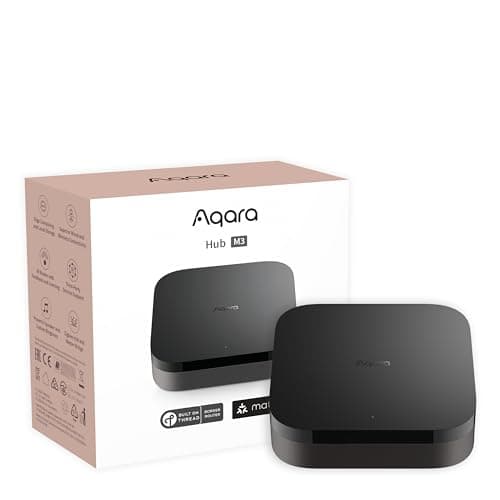
Best smart home hub for security
Aqara Hub M3
Matter controller, Thread border router, Zigbee coordinator, PoE and an IR blaster in one box — the single most useful purchase for anyone building a local, subscription-free sensor estate.
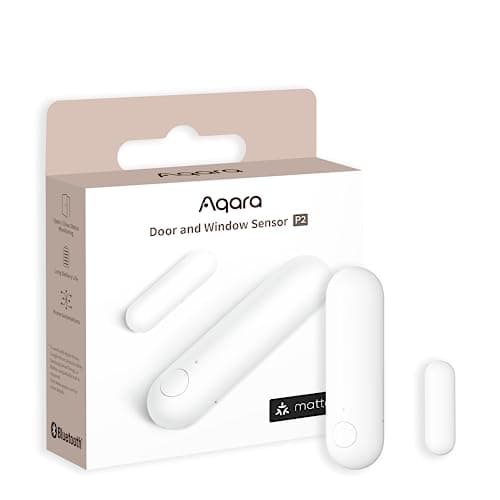
Best door and window sensor
Aqara Door and Window Sensor P2
Thread, and that is the whole point. It joins a Matter fabric directly, so it reports to Apple Home, Google Home, SmartThings or Home Assistant without Aqara's cloud anywhere in the path.
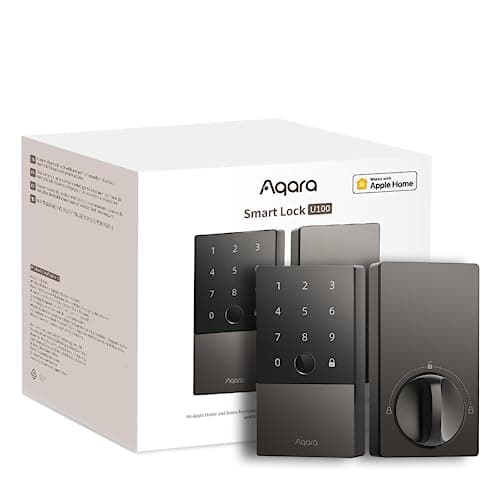
Best for Apple Home
Aqara Smart Lock U100
The Apple-household pick that is not a Schlage price. Home Key tap-to-unlock, a fingerprint reader, a keypad and a mechanical key, and it speaks to Apple Home, Google Home and Alexa out of the box.
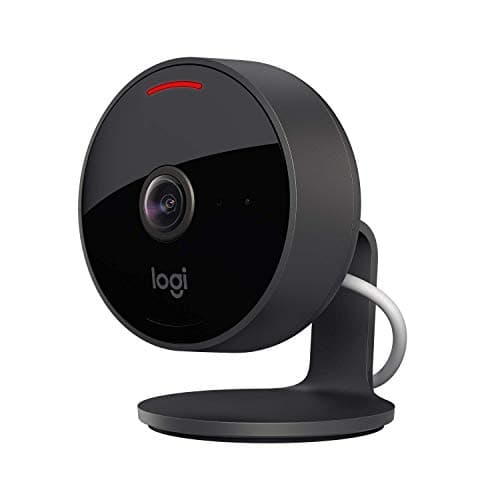
Best pure-Apple camera
Logitech Circle View (wired)
The purist option: HomeKit and nothing else. No Logitech account, no Logitech cloud, no second app - and the widest field of view on this page, at 180 degrees diagonal.
Best picture, if you have the wiring
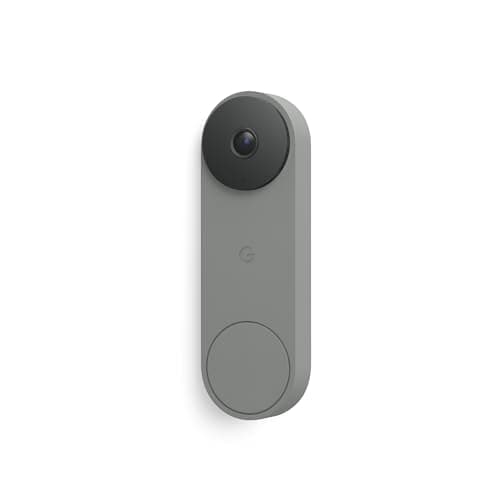
Google Nest Doorbell (Wired, 3rd Gen)
The best picture in this comparison by a clear margin, and the only one of the two that shows you anything at all after the fact without paying. It is also wired-only, on a transformer specification a lot of houses do not have.
Best expandable alarm kit
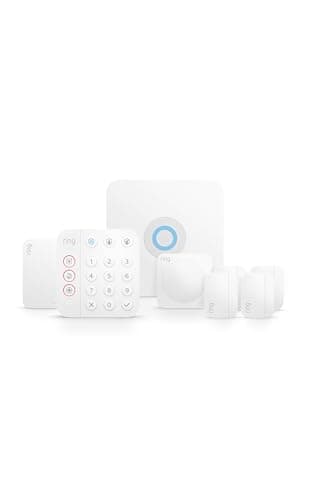
Ring Alarm 8-Piece Kit
The most complete starter kit here, with genuinely optional professional monitoring — the alarm, the app alerts and the siren all work without paying, and the plan buys a response rather than the basics.
Best wired camera
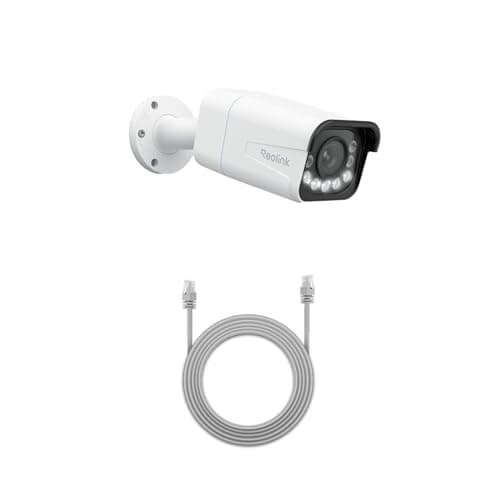
Reolink RLC-811A (4K PoE, 5x zoom)
One cable for power and data, 4K with a real 5x optical zoom, and continuous recording to a card or an NVR. This is the camera for someone who wants a serious install rather than a convenient one.
Best local storage base
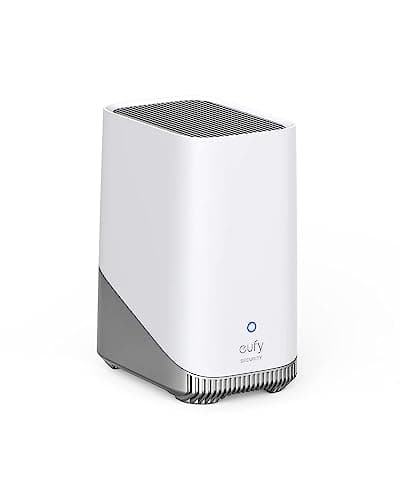
eufy HomeBase 3 (S380)
The box that makes eufy's no-subscription claim true. Up to 16TB of expandable local storage and on-device face recognition, so the processing and the footage both stay in your house.
#ad · As an Amazon Associate we earn from qualifying purchases.
Questions
Frequently asked
Can I use more than one smart home ecosystem at once?
Which ecosystem works best without internet?
Does Matter mean I can switch ecosystems later?
Is Apple Home worth it if I have to pay for iCloud+?
Do I need a hub at all?
Will the SmartThings API change affect me?
Keep reading
Related
- Smart home hubs for securityThe box, once you have picked the platform: which type does which job.
- Matter and Thread, explainedWhat the standard promises across these platforms, and where it still falls short.
- Subscription costs comparedThe five-year arithmetic behind every plan named on this page.
- Local storage vs cloud camerasThe storage question in full - the one decision here that cannot be undone later.
Receipts
Sources
- Apple Support - Store encrypted security camera footage in iCloud with HomeKit Secure Video (camera counts per iCloud+ tier, 10 days of activity, storage exclusion)
- Apple Support - Pair and manage your Matter accessories (home hub requirement, iOS 18 exception, Thread border router requirement)
- Apple Support - Set up your HomePod, HomePod mini, or Apple TV as a home hub (what a home hub enables)
- Google Home and Nest Help - Learn about Nest Aware and Google Home Premium (October 1, 2025 rename; tier contents)
- Google Home and Nest Help - Learn about event and 24/7 video history (free 3-hour history, 6-hour previews, live stream without a subscription)
- Amazon developer documentation - Understand Smart Home Thread Support (Echo and eero devices that act as Thread border routers)
- Ring - Ring cameras without a subscription: what is included free and what requires a plan
- Schlage - Amazon Alexa and Schlage smart locks (voice unlock disabled by default, four-digit spoken PIN, three-attempt lockout, US only)
- SmartThings developer documentation - Get started with hub connected devices (Edge drivers run locally on the hub; Matter, Zigbee and Z-Wave)
- SmartThings - Hub Everywhere (hubs built into Samsung TVs, soundbars, monitors and Family Hub refrigerators)
- SmartThings Blog - SmartThings expands camera support with introduction of Matter 1.5 (December 18, 2025; Aqara, Eve and Xthings)
- SmartThings Blog - A new enhanced SmartThings API experience (June 23, 2026; free access through Q3 2026, paid tiers from October 2026)
- Connectivity Standards Alliance - Matter 1.5 introduces cameras, closures and enhanced energy management (November 20, 2025)
- Home Assistant - Home Assistant Cloud (what the optional subscription adds; Home Assistant works fully without it)
- Works with Home Assistant - certification criteria and certified partner list (local control prioritized above everything else)
We do not run a testing lab and we do not pretend to. Specifications come from the manufacturer's own published documents and from published standards; prices come from the live Amazon API. Where a figure is not published, the page says “not published” rather than guessing. Read the full method.