The best home security gift under $50 is the TP-Link Tapo 2K+ Indoor/Outdoor Wired Camera: plug it into a socket, put a card in it, and it records continuously with no account fee, no hub and nothing else the recipient has to own. That is the whole test for a gift in this category. The cheaper picks below it are ranked the same way - on how little the recipient needs to already have.
What are the best smart home security gifts under $50?
A gift is different from a purchase in one way that matters here: you cannot see the recipient's house. You do not know whether they own a hub, an Apple TV, a Thread border router or a doorbell transformer. Half the sensors on this site need one of those to do anything at all, and a sensor that needs a hub the recipient does not have is a small plastic disappointment, not a gift. So this ranking leads with self-contained devices and pushes the hub-dependent ones to the bottom, with a note on exactly what you need to know before buying each.
Every pick was under $50 on Amazon on the day this page was written, checked against our live price feed. Amazon moves prices daily, so the price on each button below is pulled live at build time and stamped with the date. If a pick has drifted over the line, the button will tell you before the checkout does.
The one question to ask. “Do you have an Apple TV or a HomePod anywhere in the house?” sounds like small talk. It decides whether picks four and seven work at all.
The picks, for a gifter
Compiled from manufacturer specifications and the product records on this site, September 2026. No prices in this table - they are live on the buttons.| Pick | Needs anything else? | Ongoing cost | Who it suits |
|---|
| Tapo 2K+ wired camera | A socket and a microSD card | None | Anyone with a garage, porch or hallway |
|---|
| YoLink leak starter kit | No - hub is in the box | AAA cells | Anyone with a basement or a water heater |
|---|
| SwitchBot Contact Sensor | No - alarms on its own | Cells | A side door or a shed |
|---|
| Aqara Camera G100 | USB power; Apple TV or HomePod for Apple Home | None for card recording | iPhone households |
|---|
| Wyze Cam v4 | A socket and a microSD card | None for card recording | A driveway, not a bedroom |
|---|
| SwitchBot Water Leak Detector | No | Cells | The under-sink stocking filler |
|---|
| Aqara Door and Window Sensor P2 | Yes - a Thread border router | One coin cell | A house that already runs Apple Home, Google Home or Home Assistant |
|---|
| TEEHO fingerprint deadbolt | A door you have measured | 4x AA | A homeowner's garage or side door |
|---|
Why each one lands
1. The Tapo wired camera - the safest gift on the page
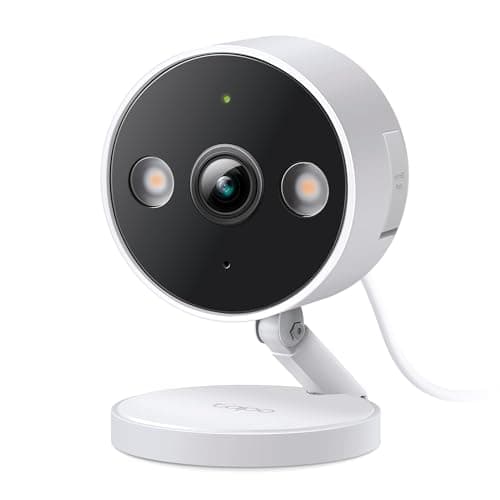
Why it lands: it does the thing people assume a security camera does - records all day to a card in the camera - and it does it without ever asking for a card number. That surprises people. Most cameras at this price record a few seconds per motion event and hold the rest behind a plan. TP-Link publishes continuous recording to microSD on this model as a standard feature, and it is rated for indoor or outdoor use, so the recipient decides where it goes.
Who it suits: anyone with a socket near the spot they want to watch: a garage, a porch with an outdoor outlet, a hallway, a nursery. What to check: that there is a socket. This is a mains camera with no battery option, so a shed at the bottom of the garden is the wrong target. Add a microSD card to the gift; the camera does not ship with one.
2. The YoLink leak kit - the hub is in the box
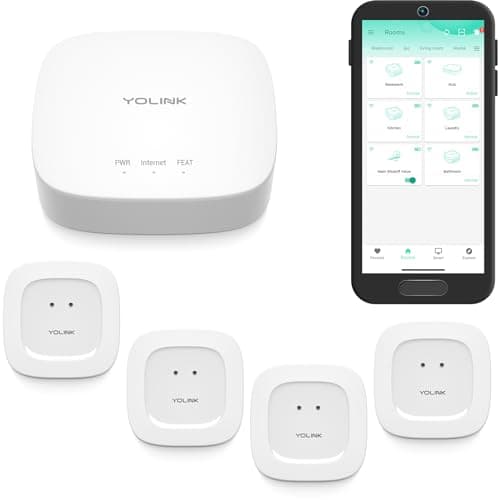
Why it lands: a water leak is the household emergency that actually happens, and this is a complete answer in one box: four sensors and the hub. YoLink uses long-range LoRa radio, which is why the sensor under the far corner of a basement reaches the hub where cheaper Wi-Fi sensors drop out. Alerts go to app, SMS and email with no plan. Who it suits: a homeowner with a water heater, a washing machine, a dishwasher and an under-sink - which is four sensors exactly. What to check: that the recipient is not a Home Assistant purist. YoLink's integration runs through its cloud, and the product record says so. Also check the listing: the silent sensor variant has no local siren.
3. The SwitchBot Contact Sensor - a working alarm with nothing else installed
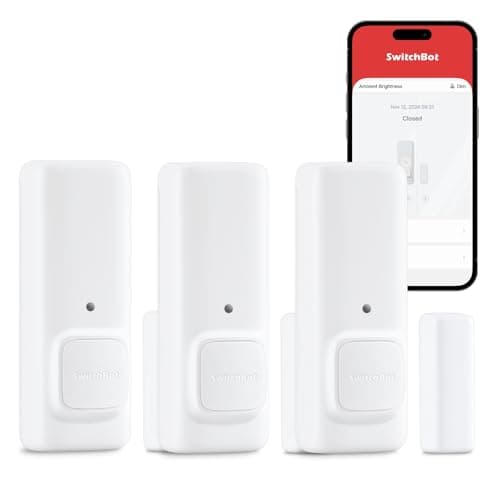
Why it lands: it detects the door opening, detects motion in front of it, and makes a noise on its own. That means it is useful on a garage side door or a shed the day it is stuck on, before anyone has chosen an ecosystem. Who it suits: the recipient who has never bought a smart device and would not know what a hub was for. What to check: whether they will want phone alerts while out. Without a SwitchBot hub this is a local noisemaker; it will not reach them at work. If that matters, the hub is a separate purchase, and the honest option is to say so in the card.
4. The Aqara Camera G100 - the Apple household camera with no running cost
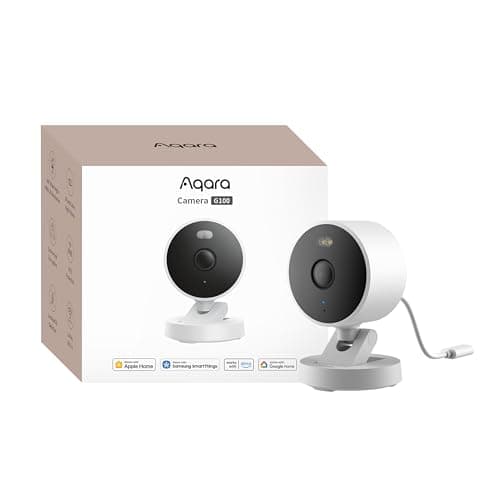
Why it lands: it records continuously to its own microSD card with no plan of any kind, and it is a full HomeKit Secure Video camera, so it appears as a normal tile in the Apple Home app next to everything else. Person detection runs on the device. It is IP65 rated, so it covers a hallway or a porch. Who it suits: an iPhone household. What to check: two things. The Apple Home integration needs an Apple TV or HomePod in the house; without one it still records to its card through Aqara's app, which is fine but not the point. And despite the family name it is not a hub - it will not bring Aqara sensors online. Full ranking in the HomeKit camera roundup.
5. The Wyze Cam v4 - the cheapest competent camera, with a footnote
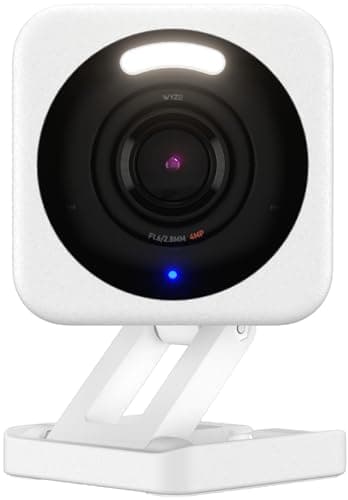
Why it lands: 2.5K resolution, indoor or outdoor, records to a card without a plan, at a price nothing else matches. Who it suits: a driveway, a garage, a shed. What to check: where it is going to point. Wyze has publicly disclosed security incidents, and the product record here says the same thing we say to a buyer: for a driveway it is an easy yes, for a bedroom or a nursery buy something else. As a gift, that means you should know the room before you wrap it - or buy the Tapo, which costs about the same and has no such history to weigh.
6. The SwitchBot Water Leak Detector - the stocking filler
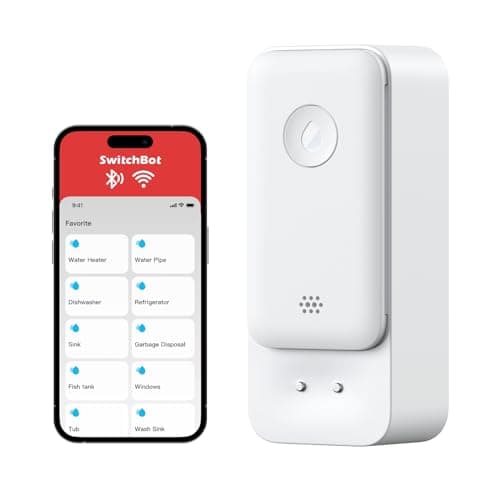
Why it lands: a 100dB siren in an IP67 body, which is the right specification for something that lives in a puddle, and cheap enough to be one of several small gifts. Who it suits: anyone, for the space under the kitchen sink. What to check: nothing, really - it works on its own. Remote alerts depend on SwitchBot's service, and the local siren is the strength, so treat it as a loud sensor rather than a monitoring system.
7. The Aqara P2 door sensor - only if you know what they own
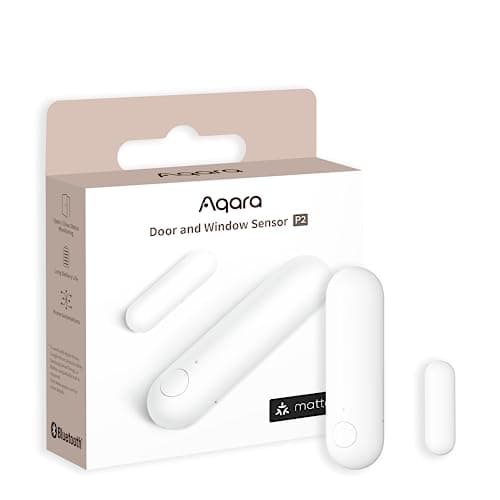
Why it lands: it is the sensor we rank first on the whole site. Matter over Thread means it joins Apple Home, Google Home, SmartThings or Home Assistant directly, runs local automations with the internet down, and lives for years on one coin cell. Who it suits: a house that already has a Thread border router - an Apple TV 4K, a HomePod mini, a recent Nest Hub, a SmartThings Station. What to check: exactly that. Without a border router this sensor will not join anything, and nothing on the box says so clearly enough. If you are unsure, buy pick three instead. The full reasoning is in the door sensor ranking.
8. The TEEHO fingerprint deadbolt - for a door you have measured
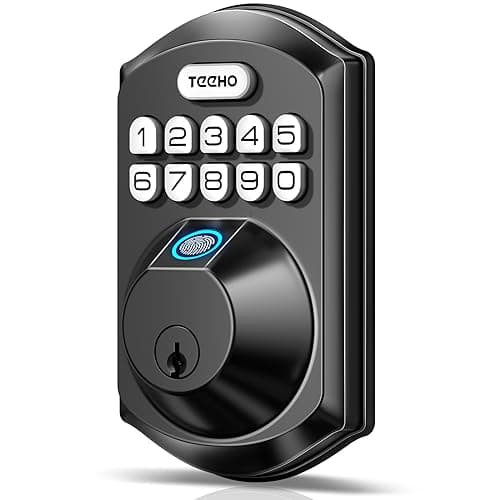
Why it lands: keyless entry with a fingerprint, a code and a real key, and no radio at all - no app, no account, nothing to update, nothing to be remotely attacked. For a garage entry door or a side door it is the cheapest honest way to stop carrying a key. Who it suits: a homeowner, for a secondary door. What to check: that it fits. It is a full deadbolt replacement, so the recipient must own the door, and the backset, bore and door thickness must be within the published range. If you cannot measure the door, read the door-fit guide and then decide whether to give a gift receipt instead. And know what it is not: there is no remote anything, so it is a keyless lock rather than a connected one.
What is not on this list, and why
Cloud-first cameras from the big brands are absent, even the ones that sit under $50 in November. A camera that records nothing until the recipient pays monthly is a gift with a bill attached that they did not choose, and every camera here records to its own card instead. What that plan would have cost over five years is worked through in the subscription cost table. Zigbee and Z-Wave sensors are absent because they need a specific hub, and the odds that a gifter knows which one are poor. Full method in how we pick.
How to choose a security gift under $50
Start from what the recipient owns, not from what is clever
The most capable device on this page - the Aqara P2 - is also the one most likely to end up in a drawer, because it depends on hardware you cannot see. Rank by dependency: a plug-in camera depends on a socket; a leak kit with its own hub depends on nothing; a Thread sensor depends on a border router. When you do not know, buy lower on the dependency list, not higher on the feature list.
Add the consumable
Both cameras here record to microSD and neither ships with a card. A 64GB card turns a camera that works into a camera that records, and it costs less than the wrapping paper. The leak kit and the contact sensor ship with cells.
Give the setup, not just the box
The recipient who would most benefit from a leak sensor is often the one least likely to set one up. Offering twenty minutes to stick four sensors under the appliances is the difference between a gift and a gadget. Every device here has a setup that is a single-evening job.
The mistake gifters make
Buying a well-reviewed sensor and discovering it is a hub-dependent one. Reviews are written by people who already own the hub. Gifts go to people who usually do not. When a listing says “requires hub”, “Zigbee”, “Z-Wave” or “Thread”, and you do not know what the house runs, it is the wrong gift for that house - however good it is.