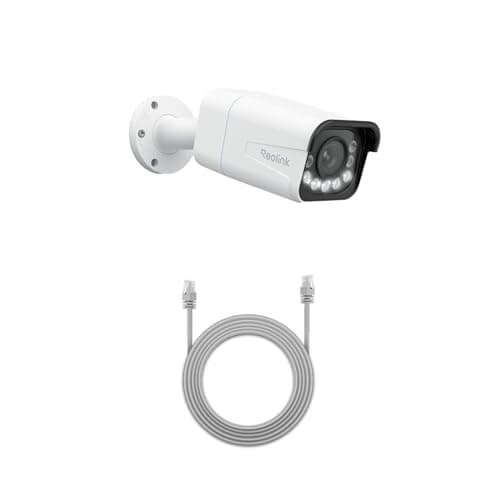
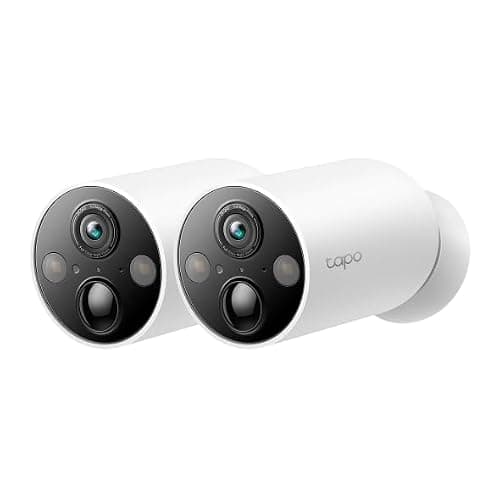
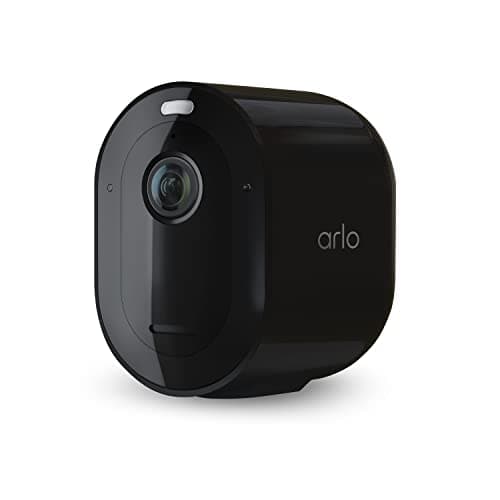
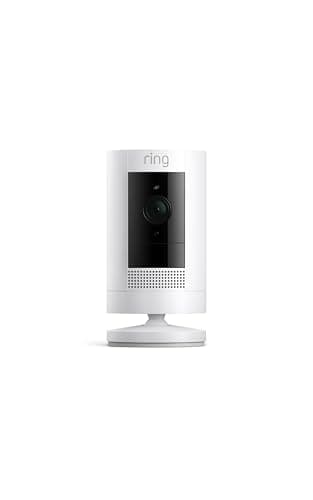
The best home security camera for most houses is the eufy SoloCam S340. It charges from its own solar panel, pans and tilts across a full circle, and writes every recording to storage inside the camera body, so nothing stands between you and your own footage. If you can run a cable instead, the Reolink RLC-811A does more for less.
Almost every camera roundup ranks on resolution and night vision, then mentions storage in a footnote. That is backwards. The specification that decides what a camera costs you over five years, what it does when the internet drops, and whether you can watch yesterday afternoon at all is a boring one: where the video is written when the camera sees something. Answer that first and most of this category sorts itself out.
The organizing question.There are exactly three answers to “where does the footage live?” — on the camera, on a box in your house, or in a company's data center. The first two are hardware decisions you pay for once. The third is a subscription decision you pay for every month, for as long as you own the camera. Two of the eight cameras below record nothing you can watch later unless you are paying, and both of them are excellent hardware. That is the trade this page exists to make legible.
The best home security cameras, compared
Six columns, none of them marketing. Read the second and third across before you read anything else: they are the two that change what the camera costs after the box is open.
Compiled from manufacturer specifications and published support documentation, July 2026. No prices appear in this table; prices are live on each pick above.| Model | Storage location | Works with no plan? | Continuous or event-only | Power | Resolution | Offline behavior |
|---|
| eufy SoloCam S340 | On the camera | Yes, fully | Event-only | Integrated solar and battery | 3K dual lens | Keeps recording locally; push alerts and live view need the network |
|---|
| Reolink RLC-811A | Card in the camera, or an NVR you own | Yes, fully | Continuous 24/7 | Power over Ethernet | 4K, 5x optical zoom | Records and streams over your LAN with the internet down (RTSP / ONVIF) |
|---|
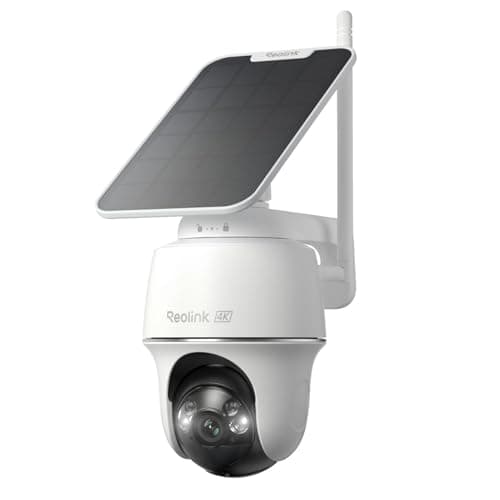
| Reolink Argus PT Ultra | microSD in the camera | Yes, fully | Event-only | Solar and battery | 4K | Keeps recording to the card; notifications need the network |
|---|
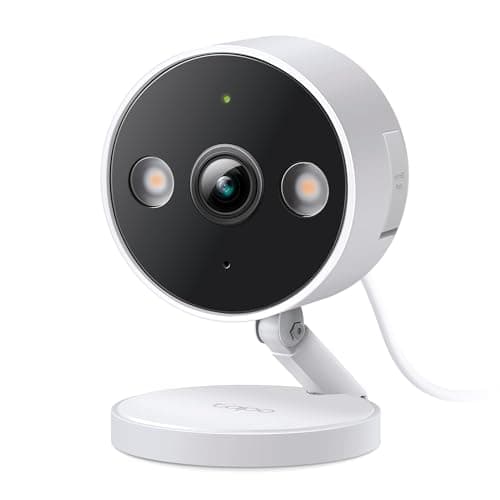
| Tapo 2K+ Wired | microSD in the camera | Yes, fully | Continuous 24/7 | Mains socket | 2K+ | Continues recording to the card without an internet connection |
|---|
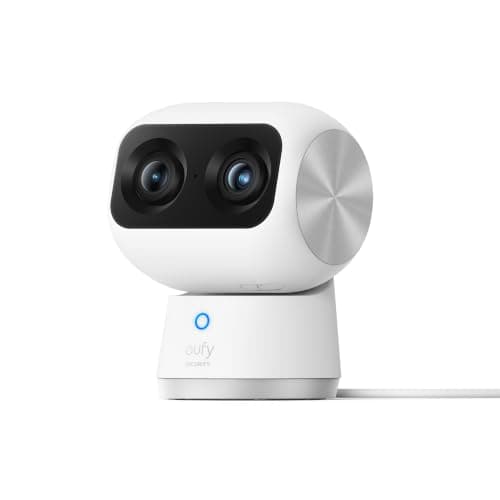
| eufy Indoor Cam S350 | microSD in the camera | Yes, fully | Event-based | Mains socket | 4K plus telephoto | Local recording continues; remote viewing needs the network |
|---|
| Tapo MagCam 2K+ | microSD in the camera | Yes, fully | Event-only | Rechargeable battery | 2K+ | Local recording continues; alerts need the network |
|---|
| Arlo Pro 5S | Arlo's cloud (base station needed for local) | No — recorded video needs Arlo Secure | Event-only | Rechargeable battery | 2K HDR, 12x zoom | No recorded video is retained without the service |
|---|
| Ring Outdoor Cam | Ring's cloud only | No — live view and alerts only | Event-only | Battery, wired or solar | HD | Nothing is saved; there is no local storage option at any price |
|---|
Where the footage lives decides everything else
Three storage models exist in this category. Each one sets your monthly cost, your behavior during an outage, and what happens to the recording if the camera itself disappears. Pick the model first and the shortlist writes itself. We have a longer treatment of the trade in local storage vs cloud security cameras, but the short version is below.
1. On the camera
A microSD card or fixed internal storage inside the camera body. The eufy SoloCam S340, both Reolinks, both Tapos and the eufy Indoor Cam S350 all work this way. Cost after purchase: a card, once. The footage never leaves your property unless you export it. The limitation is the honest one nobody in this category prints: a camera that is removed from the wall takes its recordings with it. If the camera is the only copy and the camera is gone, so is the evidence.
2. On a base station or recorder in your house
A hub with a real drive in it — a eufy HomeBase, a Reolink NVR — sitting somewhere less obvious than the camera. This is the same local-ownership economics with the removal problem solved, because the recorder is indoors and the camera is only a sensor. It costs more up front and it means finding somewhere with mains power and airflow for a box. Retention stops being a plan tier and becomes a drive size.
3. In the manufacturer's cloud
The Arlo Pro 5S and the Ring Outdoor Cam. Both are genuinely good hardware — Ring has the most reliable notifications in the category and Arlo has the best sensor of the eight — and on neither one will you be able to watch a clip from this morning unless you are paying. This is not a hidden term; both companies state it. It is simply stated quietly, after you have bought the camera. Over five years the plan usually exceeds what the hardware cost, which is the arithmetic we lay out in the subscription cost comparison.
Read this before buying any cloud-only camera.“Works without a subscription” is used by several brands to mean “you can still see the live view and get a notification.” It does not mean the camera saves anything. If the reason you are buying a camera is to look at what happened while you were out, a live-only camera does not do that job at any price.
Continuous recording versus event clips
Continuous recording writes a rolling 24-hour timeline you can scrub through. Event recording writes a clip when something triggers detection, and nothing in between. The gap between them is larger than it sounds, because event detection has a wake-up delay: a battery camera is asleep until its passive infrared sensor fires, and the first second or two of the approach is often already over by the time the sensor is streaming.
This is not a price feature. It is a power feature. Keeping an image sensor and an encoder running continuously is a constant draw of several watts, which no battery or solar panel of this size sustains. Reolink states the constraint plainly on its own battery line, and it is true of every battery camera made by anyone: they record events, and that is what they are for. Among the picks here, the two that record continuously are both mains-fed — the Tapo 2K+ Wired on a socket and the Reolink RLC-811A on Power over Ethernet.
So the real decision order runs: can I get power to this spot? If yes, buy a wired camera and get a continuous timeline. If no, accept event clips and buy the solar camera that will actually stay charged where you are putting it.
Power is the constraint that decides the shortlist
Four power models appear above, and they are not interchangeable.
- Power over Ethernet. One Cat6 cable carries power and data. Nothing to charge, ever, and the network path does not depend on Wi-Fi reaching the far corner of the garden. The cost is that you have to pull the cable and own a PoE switch or injector.
- Mains socket. Cheapest route to continuous recording. Requires an outdoor-rated supply within reach of the mount, which is frequently a bigger job than the camera costs.
- Solar and battery. Install once and forget, but only where the panel gets genuine direct sun. This is the single most common outdoor-camera regret and it gets a full section in our outdoor camera roundup.
- Battery alone. Fine indoors or on a low-traffic approach. On a busy front elevation, a battery camera triggered forty times a day is a ladder trip every few weeks.
Resolution is the specification people over-buy
4K sounds like the answer and often is not. Detail at distance is set by how many pixels land on the subject, which is a function of sensor resolution and field of view and distance. A 4K camera with a very wide lens covering a whole driveway can put fewer pixels on a face at twelve meters than a 2K camera with a narrower lens aimed at the gate. This is why the RLC-811A ranks second overall on a page where a 3K camera is first: its 5x zoom is optical, so the pixels are gathered at the subject rather than interpolated afterward.
Higher resolution also costs storage and bandwidth in direct proportion. A 4K continuous stream fills a card several times faster than 2K, which means shorter retention on the same card, and on a battery camera it means fewer events between charges. If a camera is watching a side passage three meters wide, 2K is the correct specification and the money is better spent on getting power to the mounting point.
What a camera cannot do
A camera records an event. It does not prevent one. That distinction is worth being blunt about, because the category sells hard in the other direction, and a household that has installed four cameras often believes it has done more than it has.
Three concrete limits:
- It only knows what is in frame. A camera covering the front approach has nothing to say about the back door, the garage side door or a ground-floor window on the flank of the house.
- Detection is a filter, not an understanding. Motion and person detection fire on movement of a certain shape. They do not know whether the person is the neighbor collecting a parcel or someone who should not be there, and no setting makes them know.
- Notification is not response. A clip arriving on your phone during a meeting is a record, not an action.
What a camera at the front of the house cannot tell you is that a door has just opened. A contact sensor can, for a fraction of the price, and it does it as a binary fact rather than as a judgment about pixels: the magnet and the reed switch separated, so the door is open. That is a different and complementary kind of information, it arrives instantly, it does not depend on lighting, and on a Thread or Zigbee sensor it runs locally with no cloud in the path. If you are covering a house rather than a driveway, read our door and window sensor roundup alongside this page — the two purchases cover different failure modes and the sensor side costs a fraction of the camera side.
Which of these you should actually choose between
Eight cameras is a long list to hold in your head. For most people the real decision is between three of them:
- You cannot run a cable. eufy SoloCam S340, if and only if the mounting spot sees direct sun for a few hours a day. Otherwise the Reolink Argus PT Ultra with the same caveat, or a battery camera you accept charging.
- You can run a cable. Reolink RLC-811A. Continuous recording, optical zoom, no charging, no plan, and it drops straight into Home Assistant, Frigate or Blue Iris over RTSP and ONVIF.
- You want the least expensive thing that still records all day. The Tapo 2K+ Wired, on any socket. It is the cheapest camera here that gives you a continuous timeline instead of clips.
If you have already decided that a subscription is not happening, our cameras without a subscription shortlist filters this same field to the models where every core function is free forever. And if your shortlist has come down to two brands rather than two cameras, Ring vs eufy is the head-to-head that settles it, because the two companies sit on opposite sides of the storage question.
How we picked
Products we claim to have tested: 0. Everyone in this category tells you they lived with a dozen cameras for a month. We have not, and we say so. What we do instead is compile the published specification, read the manufacturer's own support documentation for the parts they would rather you found out later, compute what the hardware costs to keep running, and cite all of it. Rankings weight storage location, usability with no plan, image system, power model and ecosystem openness. The full rubric, including how each score is derived and what would change it, is published at our methodology page. The rest of the category is on the cameras hub.
How to choose a home security camera
Work through these in order. Doing them out of order is how people end up with a solar camera on a shaded wall or a wired camera two meters from the nearest socket.
Step 1 — choose the mounting position before the camera
Stand where the camera will go and look at what it sees. A camera high on a gable gets a beautiful view of the tops of people's heads and no usable faces. A camera at head height gets faces and is within reach of anyone standing on the path. The compromise most installers settle on is roughly 2.5 to 3 meters, angled down about fifteen degrees, which keeps faces in frame and puts the body just past casual reach. Note what is available at that spot: a socket, a route for a cable, or several hours of direct sun. That note is your shortlist.
Step 2 — decide where the recording goes
Card in the camera is the cheapest and simplest, and it fails if the camera is taken. Base station or NVR indoors costs more up front and solves that. Cloud solves it too and charges you monthly forever. There is no option that is cheap, robust against theft of the camera, and free — pick which of the three you are willing to give up.
Step 3 — match the camera to the power you actually have
If a socket or an Ethernet run is available, buy a wired camera and take the continuous timeline. If neither is, buy solar and check the sun exposure honestly, in winter, at the actual mounting point. If the spot has no sun either, buy a battery camera and accept a charging cycle; do not buy a solar camera and hope.
What actually decides the price
Four things, roughly in order of how much they move the number: the lens and sensor system (optical zoom and a second telephoto lens are expensive; more megapixels on the same wide lens is cheap), the power system (an integrated solar panel and a large cell cost real money), the enclosure and mount, and the on-device processing. What does not move the hardware price is storage, because on a local-recording camera storage is a card you buy separately, and on a cloud camera the storage cost has been moved out of the purchase price and into a monthly line item. That relocation is the entire commercial design of this category.
The mistake buyers make
Buying the camera first and discovering the power situation second. The order above exists because the mounting position eliminates most of the field before you have looked at a single specification. The second most common mistake is buying one camera for a whole house: a single camera covers one approach, and a house has three or four. The budget question is usually not “which camera” but “how many cameras of which grade,” and four competent 2K cameras beat one 4K camera pointed at the front door.
Buy the right card, and buy it once
A camera writing continuously is one of the harshest workloads consumer flash sees: sustained sequential writes, all day, for years, in an enclosure that reaches high temperatures in summer. Standard cards are specified for cameras and phones that write in bursts. Look for a card sold specifically for continuous video or surveillance use and check the capacity the manufacturer supports before ordering, because cameras have a maximum card size and exceeding it produces a card the camera silently will not use.
The five-year arithmetic
The comparison people run in the shop is hardware price against hardware price. The comparison that matters is hardware plus five years of whatever the camera needs to keep doing its job. A local-storage camera's five-year cost is the camera plus a card. A cloud camera's five-year cost is the camera plus sixty monthly payments, and on a multi-camera plan that figure compounds with every camera you add. We keep the brand-by-brand version of that table on the subscription costs compared page rather than quoting a figure here, because plan pricing changes and a number in prose goes stale where a maintained table does not.