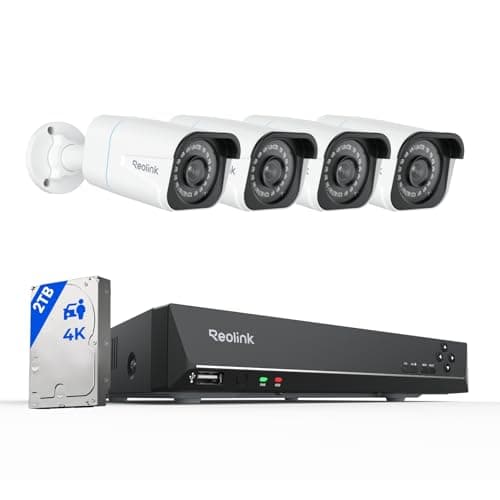
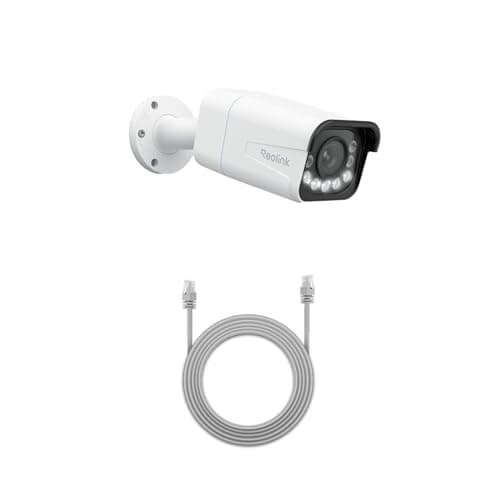
The Reolink RLC-811A is the pick: one Ethernet cable carries power and data, it records 4K continuously to a card or a recorder, and it speaks RTSP and ONVIF so it works in Home Assistant, Frigate or Blue Iris with no vendor cloud in the path. If running cable is not happening, the eufy SoloCam S340 keeps its footage onboard on solar power instead.
The best local storage security cameras, compared
Local storage is not one product category, it is three architectures with genuinely different economics. The table is organized to make that visible.
Compiled from manufacturer specifications and published support documentation, July 2026.| Model | Storage architecture | Continuous or event-only | Power | Open protocols | Works offline |
|---|
| Reolink RLC-811A | microSD in camera, or to an NVR | Continuous, 24/7 | Power over Ethernet | RTSP and ONVIF | Fully — records and streams on your own network |
|---|
| Reolink 8CH PoE NVR system | 2TB drive in a network video recorder | Continuous, 24/7, across 4 cameras | PoE from the recorder | RTSP and ONVIF | Fully — no internet needed at any point |
|---|
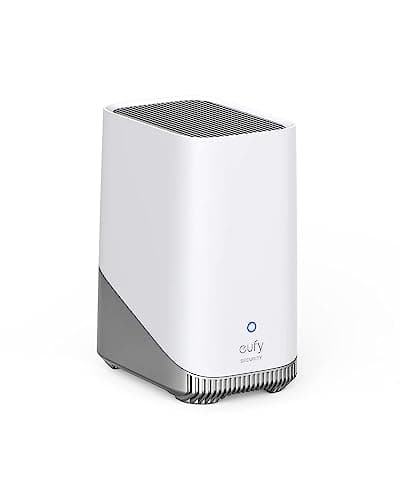
| eufy HomeBase 3 (S380) | Base station, expandable to 16TB | Depends on the cameras attached | Mains | eufy devices only | Yes, with on-device recognition |
|---|
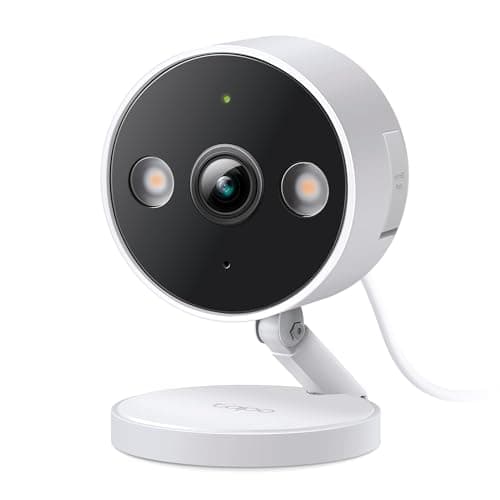
| TP-Link Tapo wired 2K+ | microSD in camera | Continuous, 24/7 | Mains | Vendor app | Records locally |
|---|
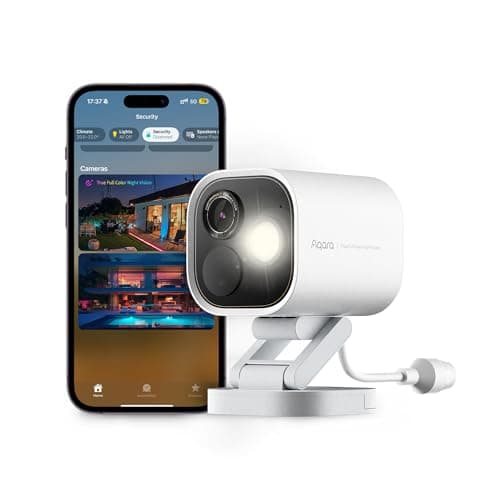
| Aqara Camera Hub G5 Pro | Local, plus HomeKit Secure Video | Continuous when wired | Power over Ethernet | HomeKit; also a Thread and Zigbee hub | Yes, and it keeps your sensors running too |
|---|
| eufy SoloCam S340 | Onboard storage in the camera | Event-only (battery design) | Integrated solar | Vendor app | Records locally |
|---|
The three local storage architectures, honestly
1. A microSD card in the camera
The simplest thing that works. The camera writes to a card in its own body, the app plays it back, and there is nothing else to buy, power or site. Retention is capacity divided by write rate, so a 2K camera recording continuously fills a small card quickly and a large one over weeks. Manufacturers publish a maximum supported card size, and exceeding it does not work gracefully — check the manual rather than assuming that bigger is better.
Strengths: cheapest, self-contained, nothing else to fail, and it keeps recording during any outage. Weaknesses: capacity is capped by the card format, cards are consumables with a finite write endurance in a continuous-recording application, and the footage is physically inside the thing on the outside of your house. Buy cards rated for continuous video surveillance rather than the cheapest available — the endurance rating is the spec that matters and it is published on the packaging.
2. A base station or hub
The cameras record, but the footage lands on a box indoors. The eufy HomeBase 3 is the clearest example: up to 16TB expandable, with face recognition running on the base rather than in a data center, so both the footage and the processing stay in the house. Retention becomes a drive-size decision instead of a plan tier, which is exactly the substitution this whole site is about.
Strengths: much more capacity than any card, one place to manage, and the cameras outside hold nothing worth taking. Weaknesses: it only serves its own brand's cameras — the HomeBase 3 is not a general-purpose recorder and will not accept a Reolink or a Tapo — and it is a single box holding everything. The Aqara G5 Pro is an unusual variant of this idea: a camera that is also a Thread border router and a Zigbee hub, so one purchase can be the thing that makes your door and window sensors work as well.
3. A full network video recorder
A dedicated recorder with its own drive, fed by PoE cameras over Ethernet. The Reolink eight-channel system is four 4K cameras, a recorder and a 2TB drive in one box, running continuously with weeks of retention and no plan at any tier, ever. This is the endgame of subscription-free video, and it is genuinely the only configuration here that needs no internet connection at all to be fully useful.
Strengths: continuous multi-camera recording, long retention, complete independence from any vendor's servers, and expandable to more cameras on the same recorder. Weaknesses: you are running Ethernet cable to every camera, which for most houses is a weekend or a contractor. There is no wireless mode. A PoE system you cannot cable for is money spent on a box in a cupboard, and that is the single most important thing to be honest with yourself about before ordering.
The trade-off nobody states: local storage means a stolen camera or a stolen base takes its footage with it. A cloud camera that is ripped off the wall has already uploaded the clip of it being ripped off the wall; a card-in-camera model has not. This is the one thing a subscription genuinely sells that local storage cannot replicate, and any page recommending local storage without saying so is not being straight with you. The practical answers are architectural — put the storage indoors with a base or a recorder, mount cameras above easy reach, and have a second camera covering the first — not financial.
Why the RLC-811A is at the top
Four things at once, which is unusual. One cable does power and data, so there is no charging cycle and no separate power supply at the mounting point. It records continuously rather than in event clips, which is the difference between a timeline you can scrub and a folder of fragments. It has a genuine 5x optical zoom rather than a digital crop, which is what keeps a license plate at the end of a driveway legible. And Reolink publishes RTSP and ONVIF support, which is what makes it a first-class device in Home Assistant, Frigate or Blue Iris rather than a camera that only speaks to its own app. If that last point is the one deciding your purchase, our Home Assistant camera roundup ranks the whole field on published RTSP and ONVIF support instead.
The disqualifying case is simple and it is not negotiable: skip it if you are not prepared to run a cable. There is no battery option. If drilling through an exterior wall and pulling Cat6 into a loft is not going to happen in your house, buy the solar SoloCam or the mains-powered Tapo instead and accept the corresponding limits.
Open protocols are the durable version of “no subscription”
A camera that only speaks to its manufacturer's app is subscription-free at the vendor's discretion. A camera that speaks RTSP and ONVIF is subscription-free structurally, because you can point it at your own recording software and the vendor has no mechanism to change the terms. That is a meaningfully different guarantee, and it costs nothing extra — it is simply a specification to filter on.
Reolink publishes both across much of its range, which is the main reason two of the six picks here are Reolink. Aqara's G5 Pro takes the Apple route instead with HomeKit Secure Video, which keeps footage in your own iCloud rather than a manufacturer's cloud — off-site and private, at the cost of an iCloud+ plan. eufy and TP-Link keep everything inside their own apps, which is fine today and is a dependency worth naming. The broader argument, including what you give up in each direction, is in local storage vs cloud security cameras, and the brand-level version is at eufy vs Reolink.
How we picked
Every pick had to store footage on hardware you own, publish its storage mechanism and capacity limits in the manufacturer's own documentation, and carry a specific disqualifying reason to skip it. We weighted storage capability, no-plan value, image specification, power practicality and ecosystem openness — with open protocols scored as a durability property rather than a nice-to-have. Scores are judgments compiled from published sources rather than bench measurements; the full rubric is on our methodology page. The cost model behind the no-plan claim is at subscription costs compared, the wider camera field is on the cameras hub, and the whole category ladders up to the subscription-free hub.
How to choose local storage that will still be adequate in year three
Size the storage from the write rate, not from a feeling
Retention is capacity divided by daily write volume. Daily write volume depends on resolution, on the bitrate the camera is configured for, and above all on whether you are recording continuously or only on events. Most manufacturers publish an estimated retention table in the manual for exactly this reason. Find it, decide how many days of history you actually want, and buy the capacity that produces that number. Buying a card or a drive first and discovering the retention afterward is how people conclude that local storage does not work.
Buy the right media for continuous writing
A camera recording 24/7 writes to the same card every second of every day for years, which is a workload consumer memory cards were not designed for. Cards sold for video surveillance publish an endurance rating in terabytes written; hard drives sold for surveillance publish a workload rating in terabytes per year. Both cost a little more and both exist because the ordinary versions fail early in this application. This is the least glamorous paragraph on this page and it is the one that saves the most money.
Decide where the storage physically sits
This is the security decision, not a convenience one. Storage inside an outdoor camera is exposed. Storage on a base station or recorder indoors is not, and it also means the camera on the wall is worth very little to anyone who takes it. If your threat model includes someone deliberately removing a camera, put the storage indoors. If it does not, a card in the camera is simpler and cheaper and there is no reason to overbuild.
Check what “local” means on your specific model
A small number of cameras store event snapshots locally and route the actual video through a vendor cloud, and the retail bullet point reads identically to full local recording. The manufacturer's manual distinguishes them. The questions to answer are: can I play back full video from the card with no internet, can I export a clip, and does playback work if the vendor's servers are unavailable. If the manual does not answer all three, treat it as cloud-assisted rather than local.
What decides the price
Three things, in order. Sensor and lens quality, which is where optical zoom and low light performance live. Power delivery, because PoE hardware costs more than Wi-Fi and solar hardware costs more than mains. And openness — cameras that publish RTSP and ONVIF tend to be sold by companies whose business model is hardware rather than services, which is also why they are cheaper over five years. Resolution above 4K is not currently where the money should go; a 4K sensor with a good lens beats a higher-resolution sensor behind a cheap one every time.
The mistake buyers make
Choosing an architecture that does not match the house. People buy PoE systems for rented apartments where they cannot drill, and solar cameras for shaded north walls where they will never charge. The architecture has to fit the building first and the feature list second. Walk the actual mounting positions, at the actual time of day, before you decide anything — and if the answer is that no cable is going anywhere, that is a real constraint and the solar and battery picks exist for it.