HUB 03
Door, Window and Leak Sensors
The cheapest, least-covered corner of home security. A contact sensor costs less than a takeaway and tells you the thing a camera cannot: that the door just opened.
We earn a commission if you buy through our links. It does not change the price you pay, and it does not decide our picks — our selection criteria are published in full. How this works.
Start here
The Best Door and Window Sensors
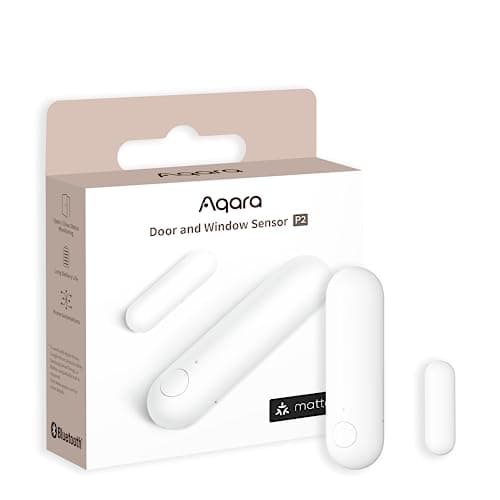
Our top pick: Aqara Door and Window Sensor P2 — Thread, and that is the whole point. It joins a Matter fabric directly, so it reports to Apple Home, Google Home, SmartThings or Home Assistant without Aqara's cloud anywhere in the path.
A contact sensor is two small pieces - a magnet and a switch - that report one bit of information: closed, or open. It costs less than a takeaway, fits in a coat pocket, and tells you the one thing a camera cannot, which is that the door just moved. It is half the brand name and the least-covered layer in home security, mostly because there is very little margin in writing about a part that cheap.
What a sensor does, and what it does not do
A sensor reports an event. It does not stop one. Nothing in this hub delays, deters or intervenes - no contact sensor has ever held a door shut. What it buys you is a timestamp, a trigger for something else, and a set of quietly useful domestic answers: the garage door has been open since 4pm, the back gate opened while nobody was home, the freezer door did not latch, the front door of a relative's house opened at 3am, there is water under the dishwasher and the floor has not cupped yet.
That last one is why leak detection sits in this hub rather than off on its own. It is the same hardware pattern - a cheap battery device watching one binary condition - and it is the sensor most likely to save a five-figure repair. Start at water leak sensors compared if that is the reason you are here.
One opening defeats more sensors than the rest of the house put together, and it is mechanical rather than electronic: a sliding patio door. The panel travels parallel to its frame, the only flat surface to mount to is an inch or so of aluminum stile, and the gap between the two mounting faces with the door shut is frequently wider than the magnet's published range - so the sensor reports open while the door is closed. Sliding glass door sensors ranks the field on that geometry, and on the second thing a contact sensor cannot see at all, which is the pane.
The protocol question is really a hub question
More returns in this category come from a missing hub than from a faulty sensor. Five radios dominate, and each one implies something you must already own.
Thread and Matter
Thread is a low-power mesh; Matter is the application layer that rides on it. A Matter-over-Thread sensor joins your smart home directly and reports to Apple Home, Google Home, Alexa or Home Assistant without the manufacturer's cloud in the path. It needs a Thread border router - a HomePod, an Apple TV, a Nest hub, certain Echo models, or a dedicated bridge. Without one it will not join, and the packaging rarely says so plainly. Matter and Thread, explained is the shortest route through that.
Zigbee
Mature, inexpensive, very low power, and it needs a coordinator: a brand hub, a SmartThings or Hubitat controller, or a USB stick paired with Home Assistant. Be careful with vendor-locked Zigbee - some sensors are Zigbee 3.0 on the box but only pair with that vendor's own hub.
Z-Wave
Sub-GHz, so it gets through walls better than 2.4GHz, and it is the radio of panel-based alarm systems. It needs a controller or the matching base station, and it is generally a closed loop with that panel.
Wi-Fi
No hub to buy, which is the entire appeal. The costs are battery life - associating with a router is expensive compared with waking a mesh radio - and a dependency on the manufacturer's servers for almost everything. If a no-hub sensor is what you want, the trade-offs are laid out in door sensors that need no hub.
Proprietary long range
LoRa-based systems use a licensed-free sub-GHz band to reach hundreds of yards through buildings. They need their own hub and they do not join anyone else's ecosystem, but for a detached garage, a gate, a barn or a well house they are frequently the only thing that works at all.
The garage is where that trade-off bites hardest: the big door is a moving sheet of steel and the opener sits at the far end of the house from the router. Which radio survives that, and which controllers actually ship a sensor that knows the door is open, is the whole of the best smart garage door openers.
Answer the hub question first. Write down what you already own that can act as a coordinator or border router. That single line eliminates most of the catalog and turns a confusing category into a short list.
Battery arithmetic
A reed switch draws essentially nothing at rest, and the radio only wakes when the state changes. So the figure that determines battery life is not hours of use, it is cycles per day. A front door opened forty times a day drains a cell in a fraction of the time the same sensor lasts on a guest room window opened twice a year. Manufacturer battery ratings assume a modest cycle count, and they publish that assumption in the manual - it is worth reading, because it is the difference between a two-year claim and an eight-month reality.
Then multiply by how many you plan to install. Twelve sensors on coin cells means a battery is dying somewhere in the house most months, so buying sensors that actually report a low-battery state to your hub is not a luxury feature - it is what stops a sensor from silently going offline in October and being noticed in March.
When one does go offline, the cell is only one of six likely causes, and it is not the first one to check. Sensors that keep going offline works through them in diagnostic order - too few mains-powered devices to act as parents, a badly placed coordinator, wifi sharing the 2.4GHz band, a cell that holds voltage at rest and sags under the transmit pulse, a sensor mounted outside its published temperature range, and the hub itself.
One sensor on this hub is taken apart on its own page rather than ranked against others: the Aqara Motion Sensor P1 review goes through the published detection angle, the five-year battery claim and the configurable cooldown that decides whether a motion sensor is useful indoors or merely noisy.
If the household runs on Echo devices, the hub question has an Amazon-shaped answer and it changes the ranking. Best door sensors for Alexa sorts the field by the path the signal takes - a Matter contact sensor, which Amazon publishes support for and which needs no vendor cloud at all; a vendor hub plus a vendor skill, which is how most of the market works and adds two services that have to be up; or a closed base station, which gives the best integration and the worst portability.
What most buyers get wrong
Ignoring the published gap tolerance. Every contact sensor has a maximum magnet-to-body gap, usually somewhere between about 10mm and 25mm, and it is in the spec sheet. Recessed uPVC window frames and thick weatherstripping routinely exceed it. Spacers, side-mounting and the slimmer sensor bodies all solve it, but you have to know the number first. Metal doors detune magnets too - mount to the frame and the edge of the slab rather than flat on steel.
Expecting a sensor to be an alarm. A contact sensor with no siren, no monitoring and a phone on silent produces a log entry. If you want a sound in the room, buy a system where the hub or a siren makes one, and check whether that siren fires locally or waits on a cloud round-trip.
Not checking where the automation runs. A rule that executes on the hub keeps working when the internet is down. The same rule executing in a vendor cloud does not. For anything that matters - leak shutoff, door-left-open alerts, lights on entry - local execution is the specification to look for.
Skipping the pairing with a lock. A smart lock reports that the bolt extended. Only a sensor reports that the door was closed when it did. If you are shopping smart locks, a single contact sensor on the same door closes that gap for the price of a sandwich. The full rankings are in the best door and window sensors.
Everything in this hub
All of Sensors
Roundup
The Best Door and Window Sensors
Seven contact sensors compared on protocol, hub requirement, offline behavior and battery type, with the compatibility matrix no competitor publishes.
Top pick: Aqara Door and Window Sensor P2 · 7 ranked, 7 with live prices
$27.99on Amazon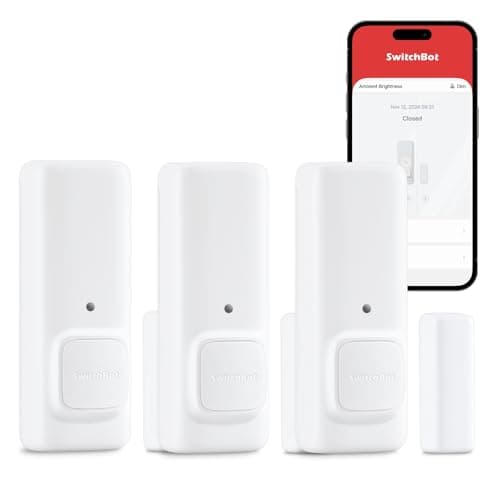
Roundup
The Best Door Sensors Without a Hub
Five sensors marketed as hub-free, with a column stating exactly what no-hub means for each one before you buy it.
Top pick: SwitchBot Contact Sensor · 5 ranked, 4 with live prices
$35.99on Amazon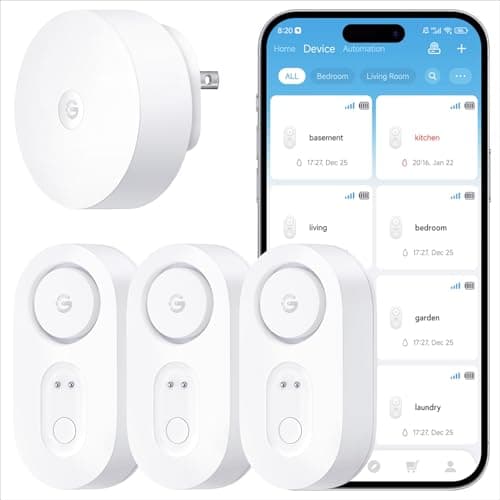
Roundup
The Best Water Leak Sensors
Six leak detectors compared on every alerting path they support, plus the one device on the list that actually shuts the water off.
Top pick: GoveeLife Smart Water Leak Detector 1s · 6 ranked, 6 with live prices
$39.99on Amazon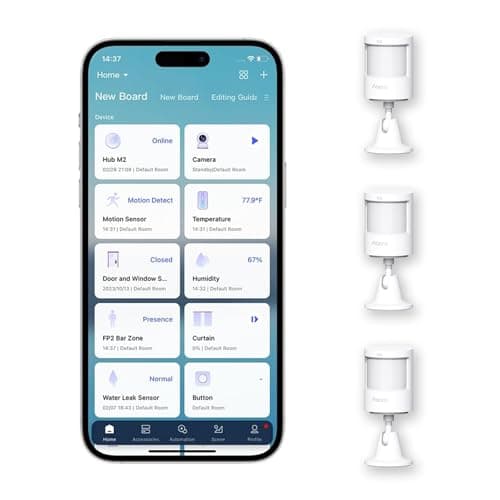
Roundup
The Best Smart Motion Sensors
Three smart motion sensors ranked on the one decision that actually matters: PIR versus mmWave radar. The Aqara Motion Sensor P1 wins as the everyday interior PIR; the SwitchBot mmWave is the presence pick.
Top pick: Aqara Motion Sensor P1 (3-pack) · 3 ranked, 2 with live prices
$49.99on Amazon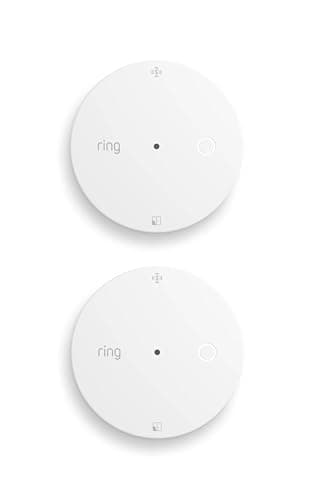
Roundup
The Best Glass Break Sensors for Windows
Five glass break sensors ranked on detection mechanism rather than brand. The Ring Glass Break Sensor wins for using genuine acoustic detection and needing no alarm base station, which is what usually puts this category out of reach.
Top pick: Ring Glass Break Sensor · 5 ranked, 4 with live prices
$69.99on Amazon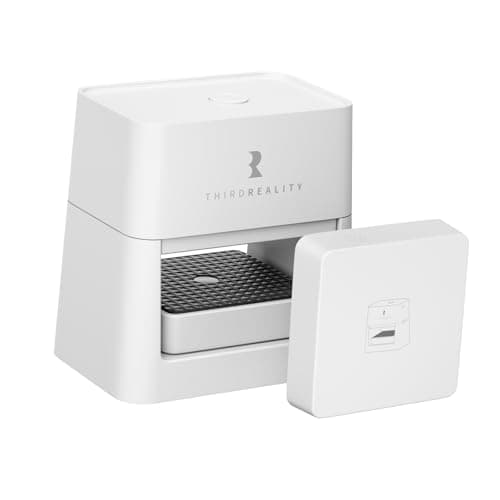
Roundup
The Best Smart Garage Door Openers
Five retrofit garage door controllers ranked on local control and on whether a real door-position sensor is in the box. The THIRDREALITY Matter unit wins; the market-leading myQ is ranked last, and the reason is documented.
Top pick: THIRDREALITY Smart Garage Door Opener (Matter) · 5 ranked, 5 with live prices
$49.99on AmazonRoundup
The Best Sliding Glass Door Sensors
Five sensors for a sliding patio door, ranked on mounting geometry rather than on protocol. The Aqara P2 wins because it is slim enough for the stile and reports on Thread with no vendor cloud; the Aqara P100 is the pick if you want the pane covered too.
Top pick: Aqara Door and Window Sensor P2 · 5 ranked, 4 with live prices
$27.99on AmazonRoundup
The Best Door Sensors for Alexa
Five door and window sensors for a household that runs on Echo devices, ranked on the path the signal takes to Amazon. The Aqara P2 wins because Matter contact sensors are a device type Amazon publishes support for, so no vendor cloud sits in the middle.
Top pick: Aqara Door and Window Sensor P2 · 5 ranked, 5 with live prices
$27.99on Amazon
Filed elsewhere, written for you
Also worth reading
These live under a different section of the site but answer the same question a sensors buyer is actually asking.
Gifts & Deals
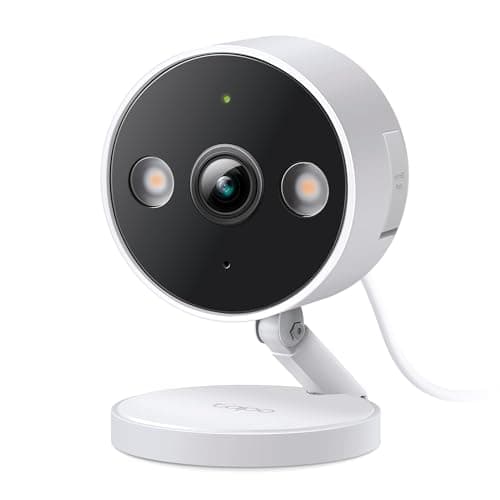
Best Smart Home Security Gifts Under $50
Eight picks under $50, ranked on how little the recipient needs to already own. The top three need nothing but a socket or a door frame; the bottom three are for a house you know has a hub or an Apple TV.
Top pick: TP-Link Tapo 2K+ Indoor/Outdoor Wired Camera
$35.99on Amazon