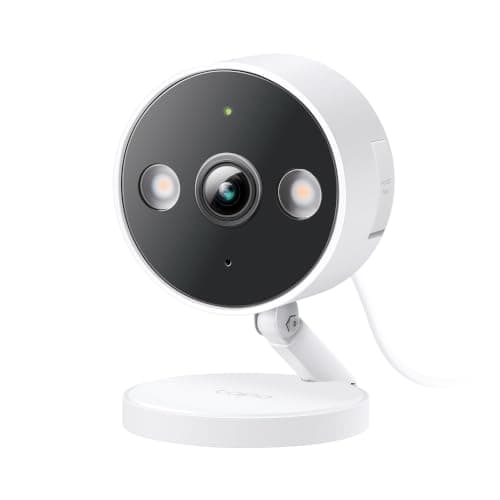
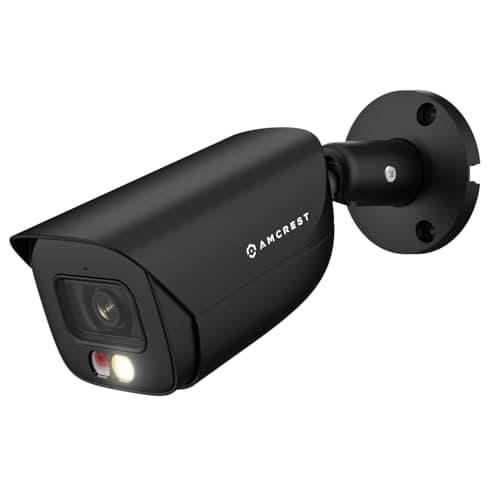
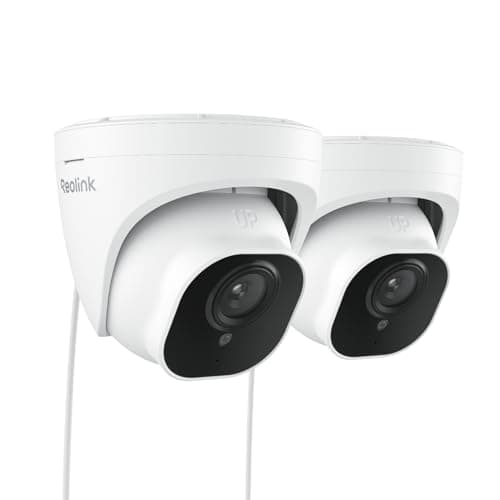
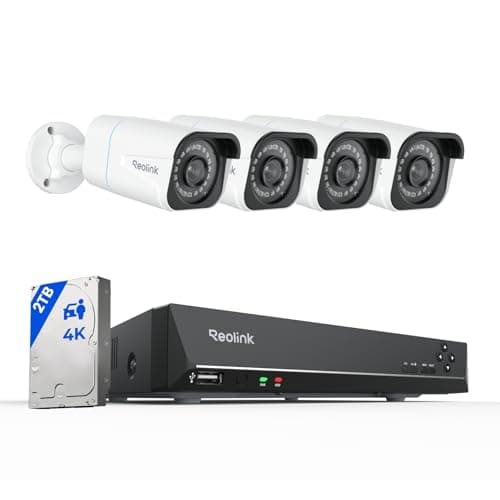
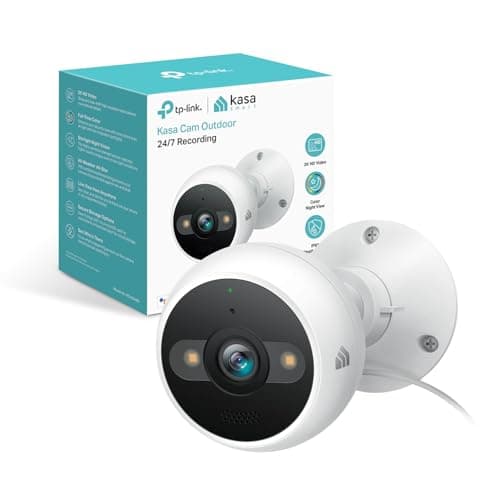
The best security camera for 24/7 recording is the Kasa 2K+ Outdoor Wired Camera: mains powered, continuous local recording, no subscription. The budget pick is the TP-Link Tapo 2K+ wired camera. Before the picks, the constraint that decides this whole category.
Why most cameras cannot do this, whatever the listing says
Continuous recording means the sensor is awake and writing every second of every day. Two things follow from that, and together they disqualify the majority of cameras sold.
It needs constant power. A battery camera survives months on a charge precisely because it sleeps. It wakes on motion, records a clip, and goes back to sleep. That is not a software limitation a firmware update could lift — a camera that stayed awake would flatten its cells in a day or two. Every battery and solar camera on this site, including ones we rate highly elsewhere, is therefore absent from this page. If you want the install-once convenience of solar, you are choosing event clips, and that is a real trade rather than a marketing distinction.
It needs storage that can absorb a full day. A day of 2K video is a meaningful amount of data, and the camera has to put it somewhere every day, forever. In practice that means a microSD card in the camera, a network recorder, or a server — and the card is both the cheapest route and the one with a wear limit. More on that below.
Everything else people argue about in this category — resolution, AI detection, app polish — is downstream of those two facts. So those two are what this page ranks on.
“24/7” on a listing does not always mean continuous. Some manufacturers use it to mean the camera is armed around the clock, not that it is recording around the clock. The reliable tell is a stated continuous or 24-hour recording mode alongside a local storage option. Where a brand is vague, assume event clips. The mechanism, and why the distinction matters when you are trying to answer “what time did the van arrive” six hours later, is in do security cameras record all the time.
What we ranked on
1. Does it actually record continuously, to storage you own? A pass or fail, applied before anything else. Every pick here states a continuous or 24-hour recording mode in the manufacturer's own documentation and writes locally.
2. How the power arrives. A mains socket is simplest and limits where the camera can go. Power over Ethernet carries power and data in one cable, which is the better engineering answer and a bigger install job.
3. What happens when the network drops. A camera writing only to a recorder loses the footage for the duration of an outage. A camera with its own card keeps recording regardless, which is the quiet reason to prefer one.
4. Retention, in days. Continuous recording is only useful as far back as the storage reaches. A card gives you days; a recorder with a real drive gives you weeks.
5. Night usability. Twelve of every twenty-four hours are dark for much of the year. A camera that records all night in unusable monochrome has technically met the brief and practically failed it.
The best 24/7 recording cameras, compared
Compiled from TP-Link Kasa, TP-Link Tapo, Amcrest and Reolink product and support documentation, November 2026. Prices appear only on the cards above, pulled live and dated November 24, 2026; no price appears in this table.| Camera | Power | Continuous storage | Survives a network outage | Plan required |
|---|
| Kasa 2K+ Outdoor Wired | Mains cable | Local, on the camera | Yes — records locally | None |
|---|
| Tapo 2K+ Indoor/Outdoor Wired | Mains socket | microSD in the camera | Yes — records to the card | None |
|---|
| Amcrest 5MP PoE Bullet | Power over Ethernet | microSD to 256GB, plus any NVR | Yes — card keeps writing | None |
|---|
| Reolink RLC-520A (2-pack) | Power over Ethernet | Card, NVR or server | Depends where you point it | None at any tier |
|---|
| Reolink 8CH PoE system | PoE from the recorder | 2TB NVR drive included | Yes — the recorder is local | None at any tier |
|---|
Which one your situation points to
One outdoor approach, socket available: the Kasa. Continuous local recording, color night vision that does not require a floodlight blazing at the neighbors all night, and an onboard siren so somebody at the door gets a response rather than only being filmed. The cons are honest and absolute: it needs a mains cable at the mounting point, there is no battery variant and no PoE option, and its person detection is basic next to the AI on more expensive cameras.
Indoors, or the smallest possible outlay: the Tapo, which is the budget pick. It is the cheapest camera on this site that does continuous recording to a card you own, and it is rated for indoor or outdoor use so one model covers both jobs. Its cons: it needs a socket within reach, and at 2K rather than 4K the distant detail is limited — fine for a hallway or a porch, weak for reading a plate at the end of a drive.
You cannot afford to lose footage to an outage: the Amcrest PoE bullet. One cable carries power and network, the onboard card up to 256GB keeps recording even if the network or the NVR goes down, and human and vehicle detection runs on the camera so the recorder filters real events rather than every moving leaf. Amcrest also publishes its RTSP URL format and ONVIF conformance openly, which is what makes it a copy-paste into Home Assistant or Frigate. The cons: 5MP where much of the field has moved to 4K, night vision that reaches about 49ft, and it is a component rather than an appliance — on its own it is far less pleasant to live with than the Kasa or the Tapo.
Several angles, recorded continuously: the Reolink RLC-520A two-pack. Per-camera cost is where a multi-camera continuous install stops being a budget decision, and these carry the same published RTSP and ONVIF support as the flagships so they drop into an existing setup unchanged. The cons: 5MP with a fixed lens, so no optical zoom and limited distant detail, and a dome under an eave collects spider webs directly in front of the infrared, which is a genuine recurring maintenance nuisance.
Weeks of retention across the whole property: the Reolink 8-channel PoE system. Four 4K cameras, an eight-channel recorder and a 2TB drive in one box; continuous recording across all four with weeks of retention; nothing in anybody's cloud and no plan at any tier, ever. It expands to eight cameras on the same recorder. The cons are the install and the box: you are running four Ethernet cables, which is a weekend or a contractor, and the NVR has to live somewhere with mains and airflow. If you cannot run cable, this is money spent on a box in a cupboard — PoE vs Wi-Fi is the honest place to settle that before ordering.
The storage arithmetic nobody publishes
Continuous recording turns storage from an afterthought into the main cost, and the number that matters is days of retention, not gigabytes. Retention is driven by resolution, frame rate and how much the scene moves, so the only reliable method is to record for a day and read what the camera actually wrote. Our data usage guide walks that calculation with real figures.
Two practical points follow. First, buy a card rated for continuous video. A standard microSD is designed for occasional writes; a surveillance-rated or high-endurance card is designed to be written over continuously for years, and the price difference is small against the cost of discovering the failure when you need the footage. Check the maximum capacity the manufacturer documents, which varies widely between brands.
Second, decide early whether a card is enough. A card gives you days. If you need to look back a fortnight, or you are recording several cameras at once, the answer is a recorder with a real drive — which is the entire reason the Reolink system is on this page. The difference between a camera and a recorder-based system is set out in IP camera vs NVR.
What you give up by insisting on 24/7
It is worth being clear about the trade, because for many households continuous recording is not the right answer. You give up placement freedom: every camera here needs a cable, which rules out the shed roof, the far fence post and most rented homes. You give up the install-once quality of solar, which is the single most convenient thing a modern camera does. And you take on storage as an ongoing concern, in the form of card wear and retention management.
If the real requirement is “I want to know what happened” rather than “I want an unbroken timeline”, event recording on a solar camera is cheaper, easier and genuinely sufficient — the field is in best solar security cameras. If the requirement really is the timeline, this page is the shortlist, and the honest hierarchy is: a card in a mains camera for one spot, a recorder for a property.