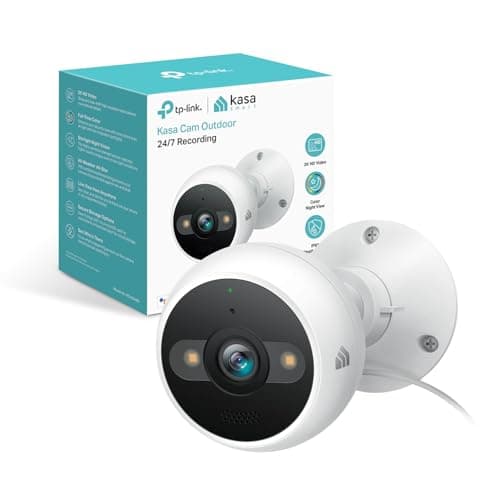
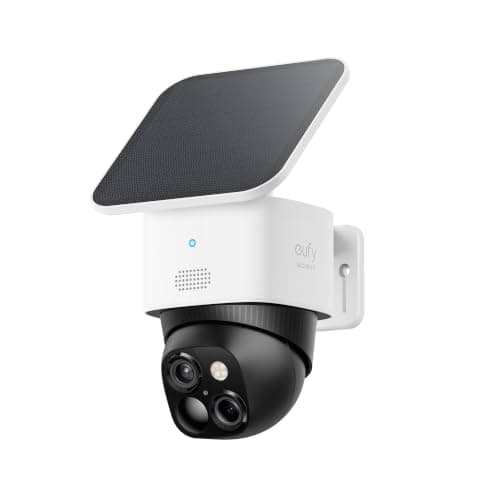
The best security camera under $200 is the eufy SoloCam S340: solar, pan-and-tilt, dual lens, local recording, no fee. The budget pick is the Kasa 2K+ Outdoor Wired Camera. What follows is what the ceiling actually changes, because it is not the thing the spec sheets advertise.
Our ranking of the cameras under $100 found that at that price the specifications converge and the business models diverge: you are really choosing where the footage lands. Double the ceiling and something different happens. Resolution barely moves — there is 2K and 4K on both sides of $100 — and the plan-free options are already plan-free. What the second hundred dollars buys is autonomy: cameras that solve their own power problem, and cameras that cover two fields of view from one mounting point so you never install the second one.
The three things the $100–200 band actually adds
1. Integrated solar. This is the big one, and it is the clearest dividing line in the band. A battery camera needs a ladder every few months; a solar camera with real sky exposure does not. Under $100 solar exists at the very top of the band; at $140 you can have solar with pan, tilt and a second lens. That is the difference between a device you maintain and a device you install once.
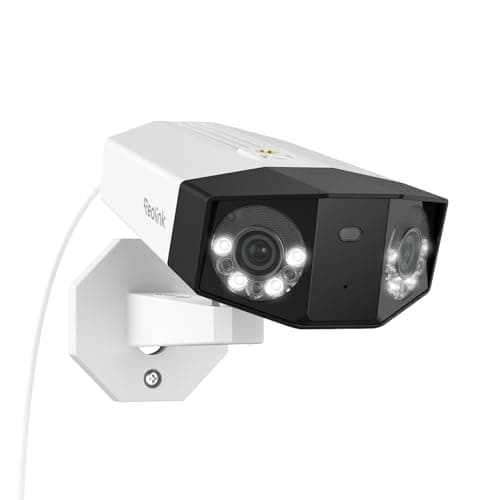
2. A second lens. Dual-lens cameras either stitch a 180-degree panoramic view from two sensors or pair a wide lens with a telephoto. Both replace a second camera, a second mount and a second cable run — which is why the Reolink Duo 3 is on this page and why a 180-degree view from one hole in the wall is better value than it looks.
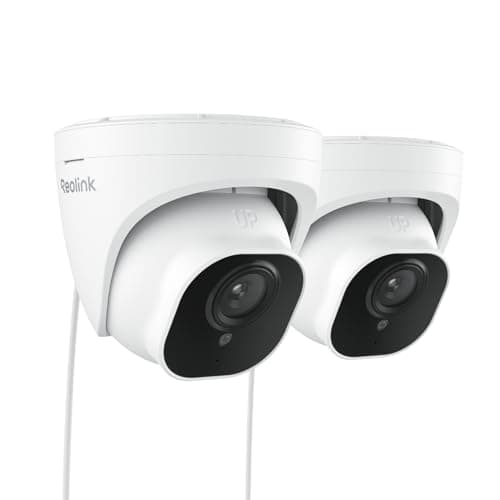
3. Per-camera economics. Multi-packs land in this band. The RLC-520A 2-pack costs roughly what one consumer battery camera does, per camera, and carries the same documented RTSP and ONVIF support as the flagships — which is what makes it usable in Home Assistant, Frigate or Blue Iris.
What the band still does not buy. Continuous recording from a battery camera. No battery or solar camera records 24/7, including the two solar picks here; they record events. If a rolling timeline is the requirement, you want a wired or PoE camera — which is why the Kasa, the Duo 3 and the RLC-520A are on this page at all. The distinction is explained in do security cameras record all the time.
The best cameras under $200, compared
Compiled from eufy, Reolink, TP-Link Tapo and TP-Link Kasa product and support documentation, November 2026. Prices appear only on the cards above, pulled live and dated November 24, 2026.| Camera | Power | Lenses | Recording | Open interfaces |
|---|
| eufy SoloCam S340 | Integrated solar | Dual, 3K, 360-degree pan | Event clips, onboard local | eufy app and ecosystem |
|---|
| Reolink Duo 3 PoE | Power over Ethernet | Dual, stitched 180-degree | Continuous, to card / NVR / server | Published RTSP and ONVIF |
|---|
| eufy Indoor Cam S350 | Mains | 4K wide plus telephoto, 8x zoom | Local microSD, full playback | eufy app and ecosystem |
|---|
| Reolink RLC-520A (2-pack) | Power over Ethernet | Single 5MP, fixed | Continuous, to card / NVR / server | Published RTSP and ONVIF |
|---|
| Tapo MagCam 2K+ | Rechargeable battery | Single 2K+ | Event clips, local microSD | Tapo app |
|---|
| Kasa 2K+ Outdoor Wired | Mains | Single 2K+, starlight night | Continuous 24/7, local | Kasa app, built-in siren |
|---|
Which one your mounting spot points to
An exterior wall with sun and no socket: the eufy SoloCam S340. If the spot is shaded, that whole argument collapses — buy a wired camera instead, because a solar camera in shade is an expensive battery camera you now have to climb up to.
A corner that needs two angles: the Reolink Duo 3 PoE. One cable, one mount, a genuine 180-degree field at a resolution that still identifies people. Check your recorder's decode headroom first — stitched panoramic streams are heavy.
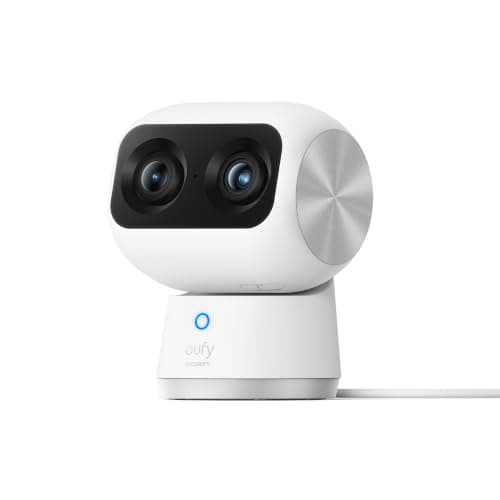
Indoors: the eufy Indoor Cam S350, for 4K plus a telephoto lens and free local playback. It repositions rather than closing a lens cover, so if a physical privacy shutter is your requirement this is not it. The wider field is in best indoor security cameras.
Adding cameras two and three: the RLC-520A 2-pack. Dome housings are discreet and hard to knock out of alignment; the trade is a fixed lens, so it is a coverage camera, not a plate-reader.
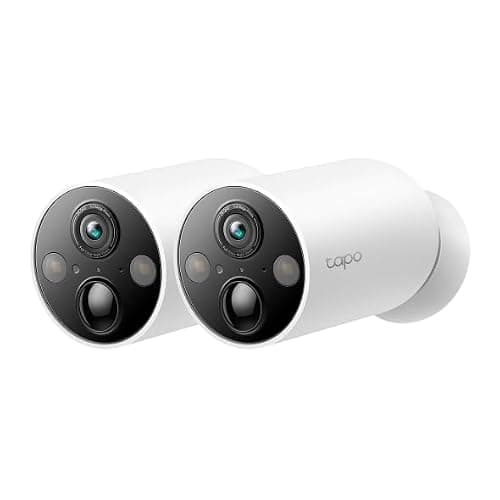
You are not sure where it goes yet: the Tapo MagCam. A magnetic mount means you can live with the view for a week and move it. Mount it high — a magnet within reach is a camera within reach.
Spending the least: the Kasa is the budget pick because it does the job at well under a quarter of the ceiling — continuous local recording, color night vision without a floodlight, and a siren so somebody gets a response rather than just being filmed. It needs a mains cable at the mounting point, and there is no battery variant.
How to spend a $200 camera budget well
Start by writing down the power situation at the exact mounting point, not at the house. This single line eliminates most of the market before you have read a spec sheet, and getting it wrong is the most common way a camera purchase is wasted: a wired camera with no socket, or a solar camera under an eave.
Then decide whether you need a timeline or an album. Event clips tell you that something happened; a continuous recording lets you answer “what time did the van arrive?” six hours later. Only mains and PoE cameras give you the timeline, and no amount of money spent on a battery camera changes that.
Next, check for open interfaces if you have any ambition beyond the manufacturer's app. Published RTSP and ONVIF support is what lets a camera join Home Assistant, Frigate or Blue Iris, and it is also your insurance against an app or a cloud service being retired. Reolink publishes both across much of its range; most consumer brands publish neither. Our Home Assistant camera rankings are built on exactly that.
Finally, do not spend the whole budget on one camera if you have two uncovered approaches. Two $90 cameras covering the front and the side beat one $190 camera covering the front beautifully — a point made properly in how many security cameras do I need.